Changing any of the print settings automatically creates a bookmark. The next time those two smart products are installed, the settings will be remembered and used. There is no limit to how many label/ribbon combinations can be assigned bookmarks, but there can only be one bookmark assigned for each label part number/ribbon part number combination.
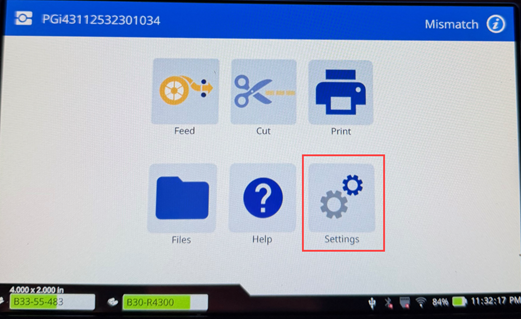
- Tap Settings.
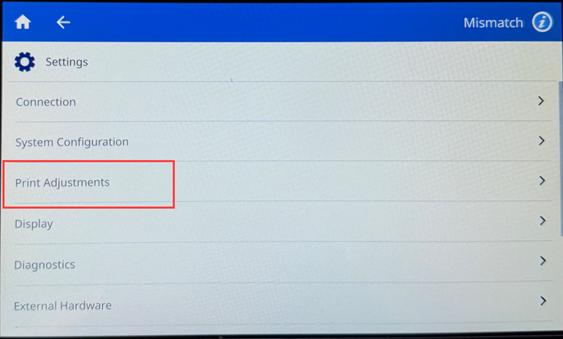
- Tap Print Adjustments.
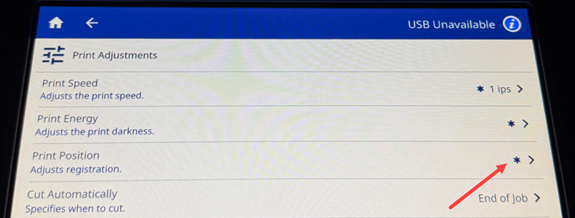
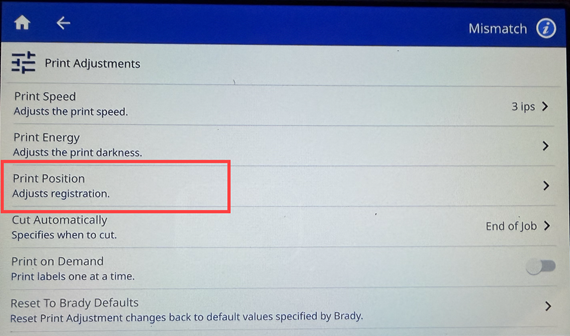
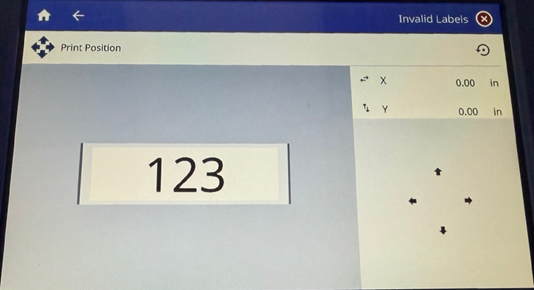
- Select Print Position.
- Adjust the XY coordinates using the arrows.
The printer allows for up to a .33" adjustment in all four directions.
Related Information


