Changing any of the print settings automatically creates a bookmark. The next time those two smart products are installed, the settings will be remembered and used. There is no limit to how many label/ribbon combinations can be assigned bookmarks, but there can only be one bookmark assigned for each label part number/ribbon part number combination.
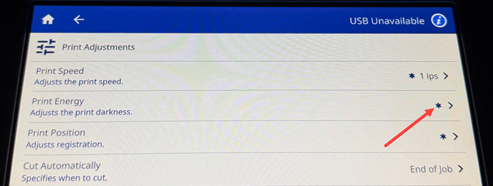
Note: The selected print speed setting will stay in effect for all subsequent print jobs with the currently installed label supply. When new supply is installed, the print speed is reset to the default setting. The print energy level is also reset by rebooting the system.
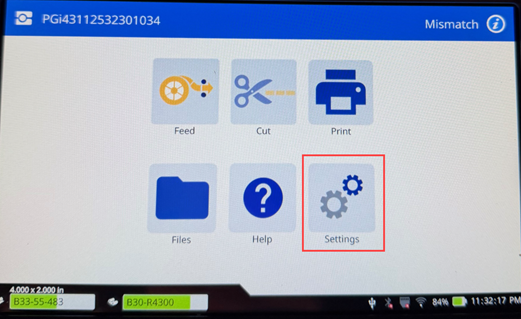
- Tap Settings.
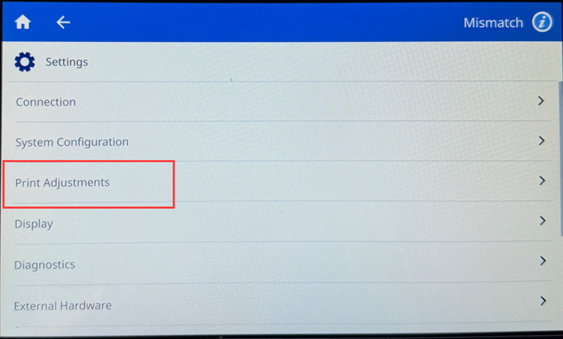
- Tap Print Adjustments.
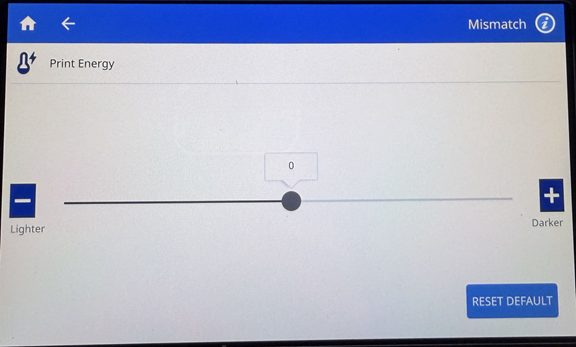
- Tap Print Energy.
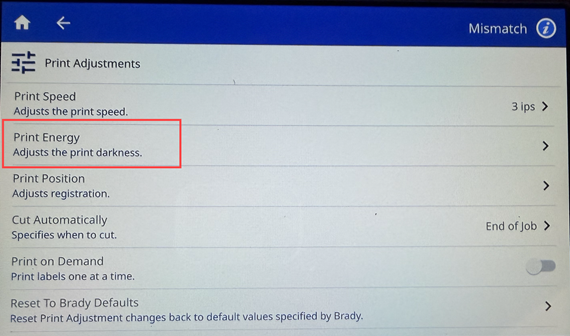
- The default setting is set to 0. Increasing the energy will result in a darker print and decreasing the energy will result in a lighter print.
Note: Increasing the energy adds more strain to the printhead, and can cause the pixels on the printhead to wear out faster over time.
Related Information


