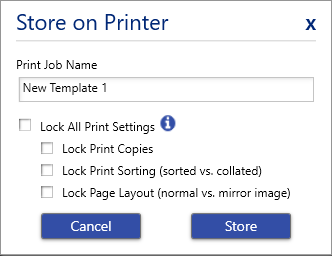
The i4311 has the capability to store BWS and BWT files on the printer. BTW template files can be edited using the touchscreen on the printer if the setting was properly selected when the template file was saved.
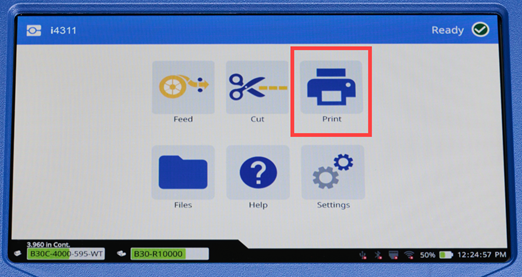
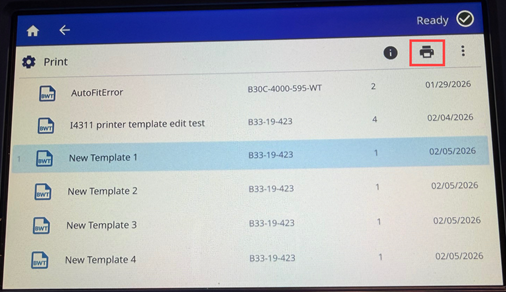
- Tap Print.
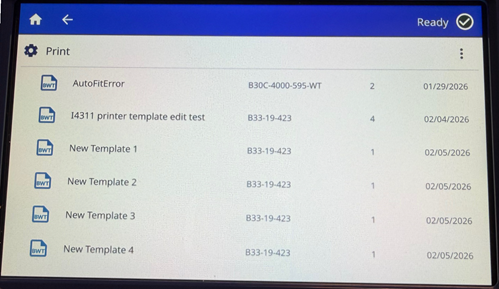
- Tap a template file that appears in the list.
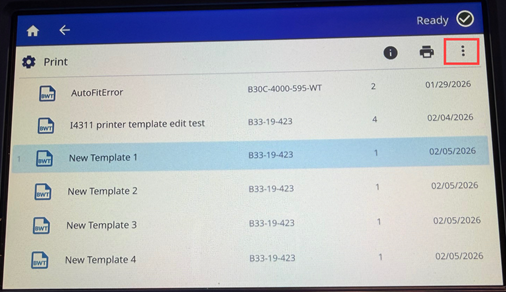
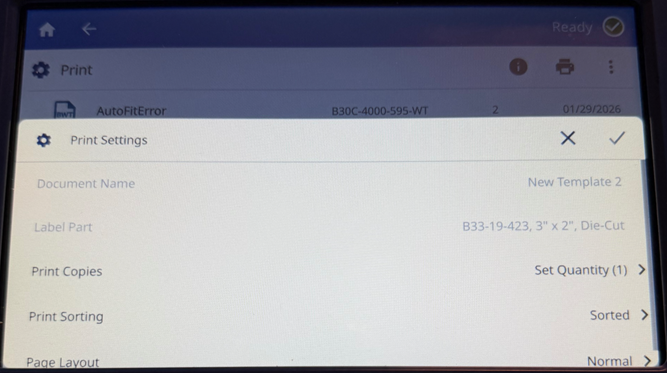
- To adjust the print copies, print sorting or page layout tap the three dots. If there are no adjustments, proceed to step 5.
- Tap each setting and adjust as needed.
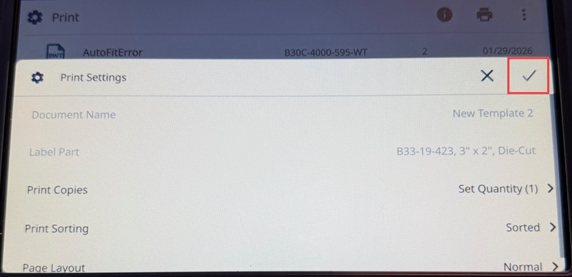
No changes can be made to Document Name or Label Part. If Print Copies, Print Sorting or Page Layout is grayed out, the settings can only be adjusted in the Template file or by unchecking the option in Brady Workstation under the Store on Printer settings.
-
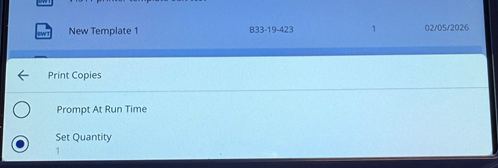
- Tap the Prompt At Run Time or Set Quantity 1 radio button for the corresponding option for Print Copies and tap the left arrow to go back to Print Settings.
-
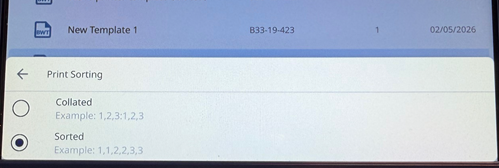
- Tap the radio button for Collated or Sorted to select the option for Print Sorting. Tap the left arrow to navigate back to the Print Settings menu.
-
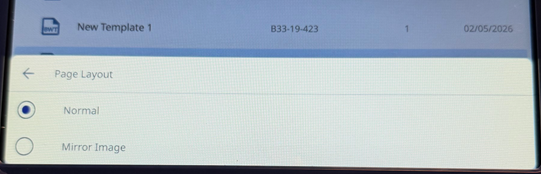
- Tap the radio button for Normal or Mirror Image to select the option for Page Layout. Tap the left arrow to navigate back to the Print Settings menu.
-
- Tap the checkmark to save the options.
- Tap the Printer icon.
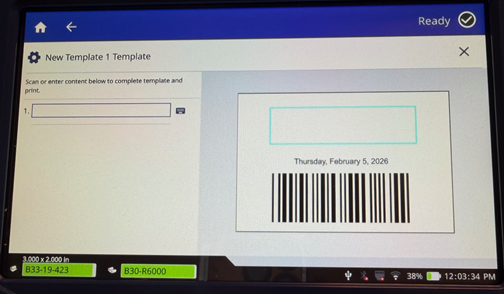
- All of the fields that can be edited display on the screen. Tap in the field to enter text.
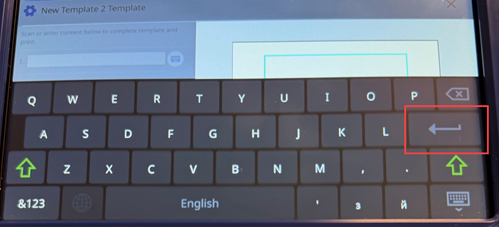
- Enter the information by tapping on the keys on the screen.
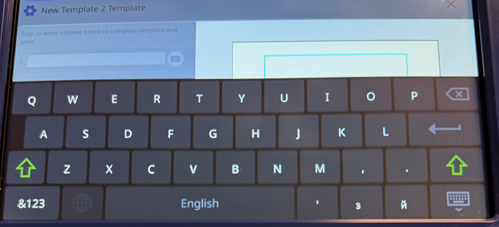
- Tap the Enter button to navigate to the next field if the template includes multiple fields or if there is only one field, tap Enter to print the label.
- Print on Demand
-
- If Print on Demand is off, the label prints right away.
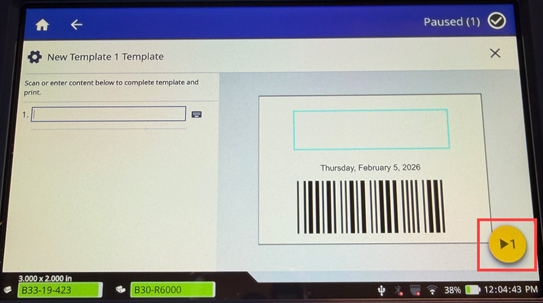
- If Print on Demand is on, the preview screen displays; tap the yellow circle to print the label.
- View i4311 - Print On Demand Setting to adjust Print on Demand settings.
Related information


