Issue
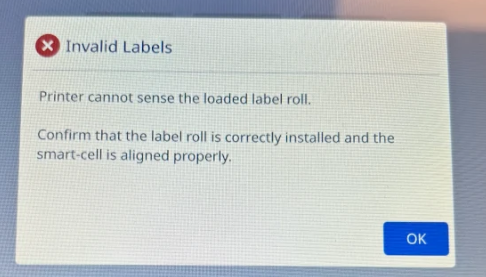
Invalid Labels appears on the i4311 printer.
Troubleshooting
- Confirm the material has the V:2 chip design: V2 Chip Redesign for B30 Series Materials.
- Verify the labels are installed correctly: i4311 - How to Load Labels and Ribbon.
- Verify the material is compatible in the i4311: i4311 - Label Materials Guide.
- Try another roll of labels, if available. There may be an issue with the smart-cell on the label roll.
If the issue still persists, contact Global Brady Technical Support Contact Information and provide the part number and lot number of the labels and ribbon What Is The Label/Ribbon Part Number and Lot Number?


