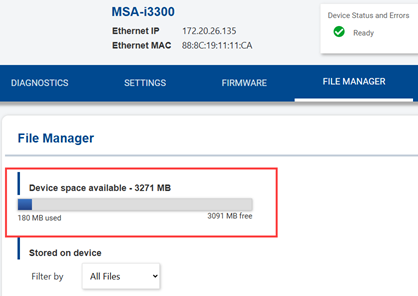
Files including graphics, fonts or templates can be stored on the Brady Script Emulator for ZPL.
Regardless of the drive specified in your script, files will always be retrieved from the emulator.
- Open the embedded web server for the emulator: Brady Script Emulator for ZPL - Embedded Web Server.
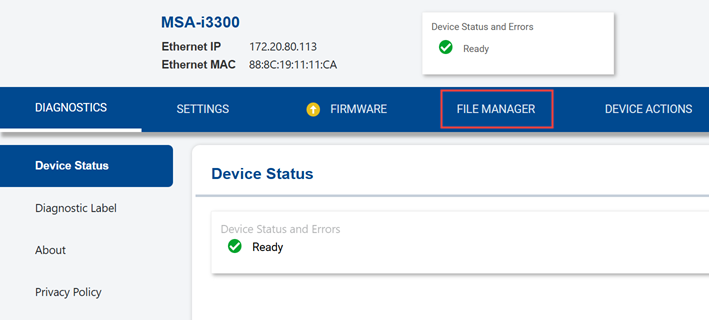
- Click the File Manager tab.
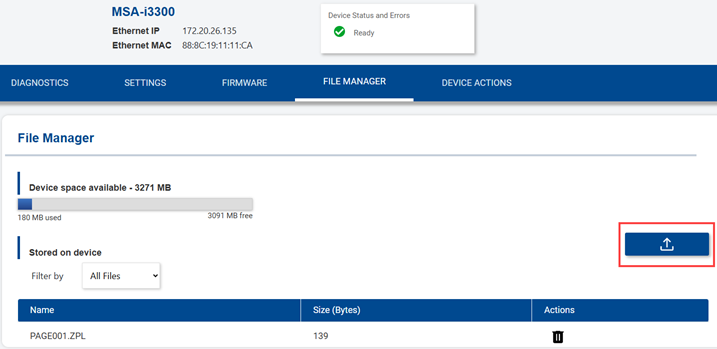
- Click the Upload button.
- Find and select the file. Click Open.
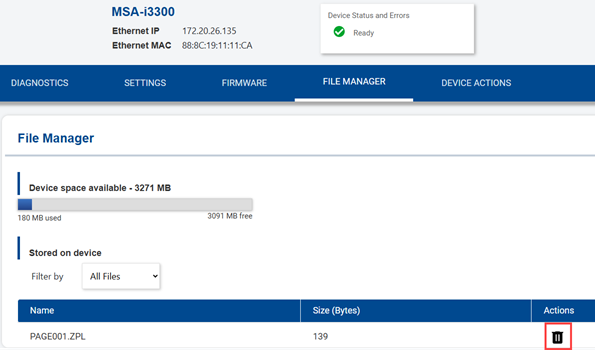
- Delete a file by clicking the trash can.
On the File Manager screen you can also see how much space is available.