Use the web server for the following:
- Device and diagnostic information
- Change settings
- Upgrade the firmware
- Manage files
- Restart the Brady Script Emulator for ZPL
- This is not a factory reset.
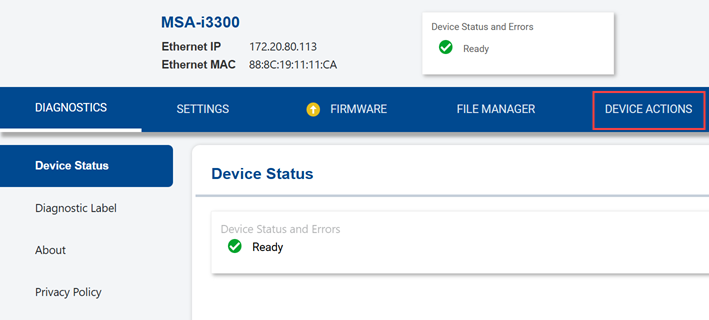
Connect to the embedded web server
- Make sure the computer or phone is on the same network as the emulator and can access the internet.
- Open a web browser on the phone or computer.
-
- Phone:
- Unlock the phone.
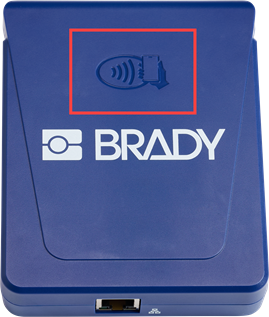
- Tap the phone to the tap-to-connect symbol on the ZPL emulator.
-
-
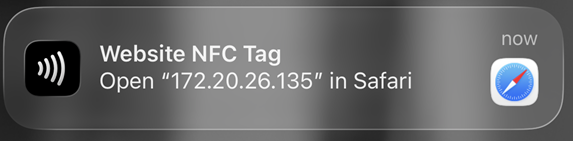
- Tap the notification on the phone to open the embedded web server.
-
-
- Scroll to see all the controls.
-
- Computer:
- Type the ZPL emulator's IP address in the browser.
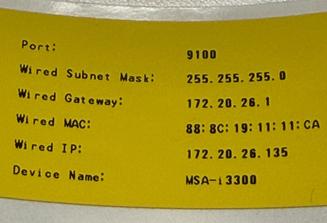
- If you printed a diagnostics label, refer to that label to retrieve the IP address. If the device is set to DHCP, the IP address may have changed since the label was printed.