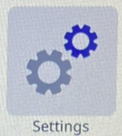
- Tap Settings.
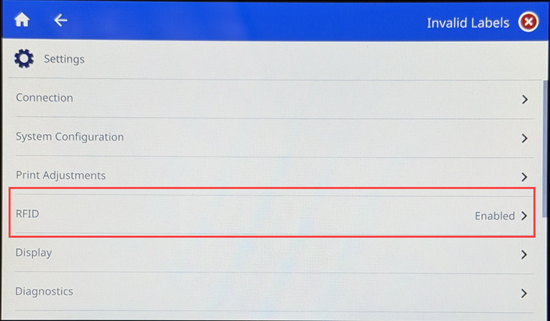
- Tap RFID.
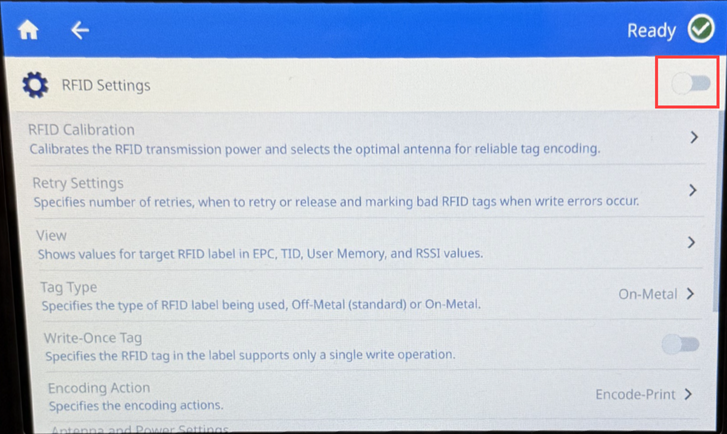
- If RFID is enabled, the button is blue and the settings can be changed. If RFID is disabled, the button is gray and the settings cannot be changed. Tap the button to enable RFID.
Important: This can only be done on the RFID model of the i7500.
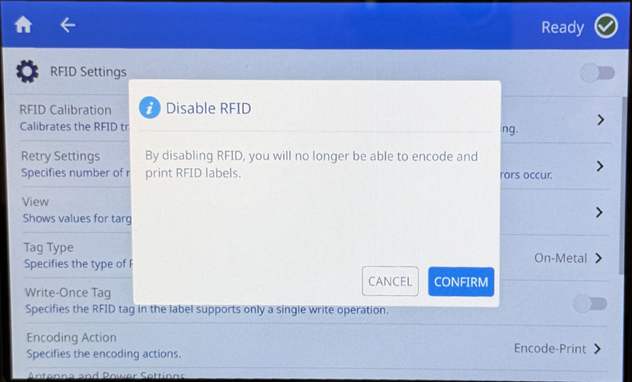
If the settings are enabled and the button is tapped, a message pop-up appears to confirm to disable RFID.
Related information


