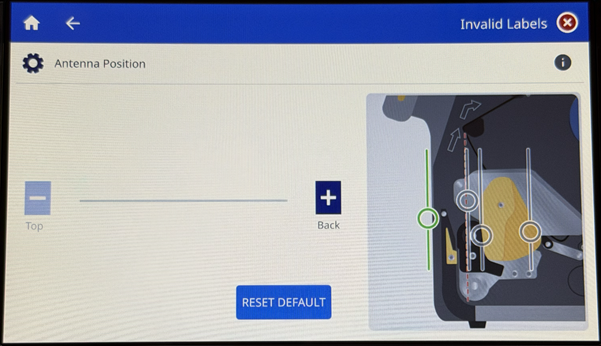
Important: Confirm the printer is loaded correctly and calibrated before adjusting any settings: i7500 - Load Labels and Ribbon.
- Tap Settings.
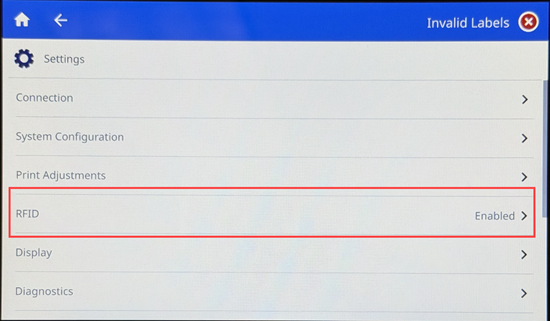
- Tap RFID.
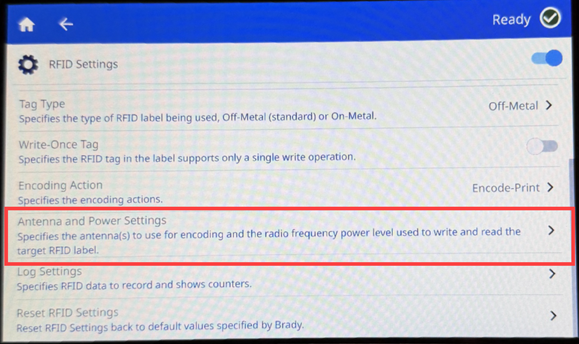
- Tap Antenna and Power Settings.
- Tap Antenna Position.
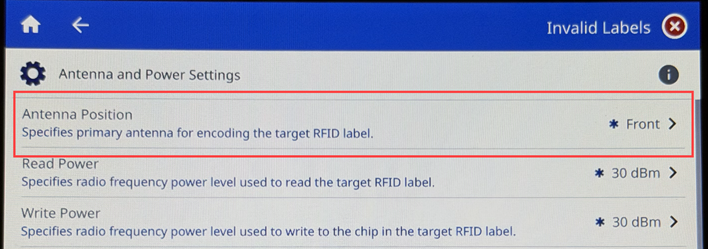
- Adjust the antenna position by tapping the minus sign for Top or plus sign for Back.