| Body |
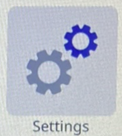
- Tap Settings.
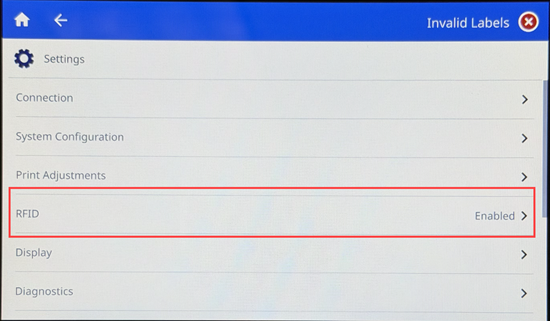
- Tap RFID Settings.
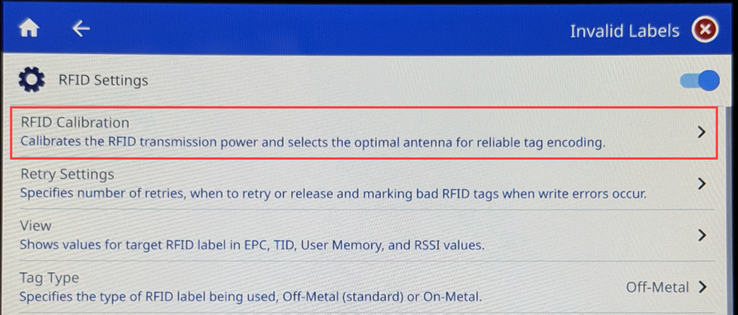
- Tap RFID Calibration.
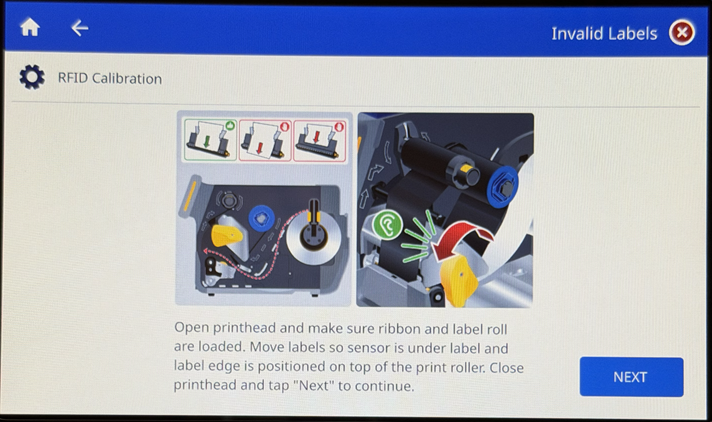
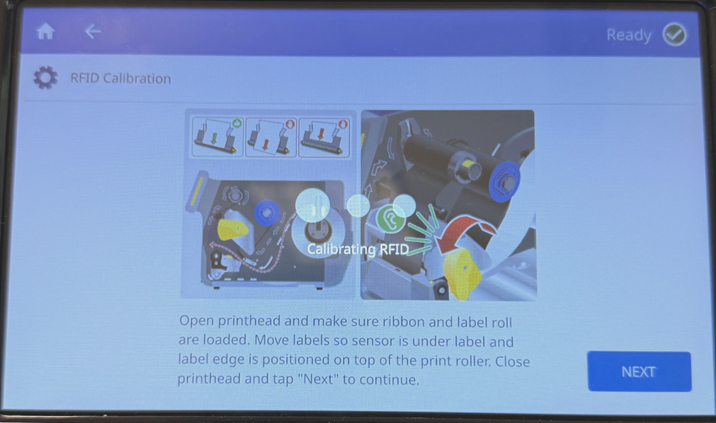
- Open the printhead and load the labels and ribbon. Position the label sensor and move the edge of the label onto the platen roller. Tap Next.
- Do not open the printhead. Wait for the calibration to complete before proceeding to the next step.
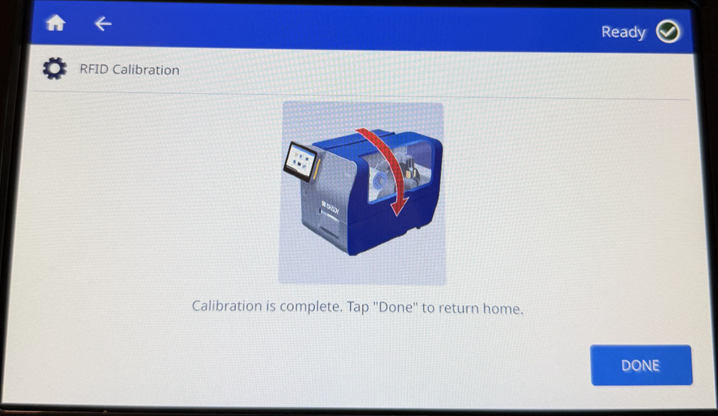
- Tap Done.
|
|
|---|


