Important: Confirm the printer is loaded correctly and calibrated before adjusting any settings: i7500 - Load Labels and Ribbon.
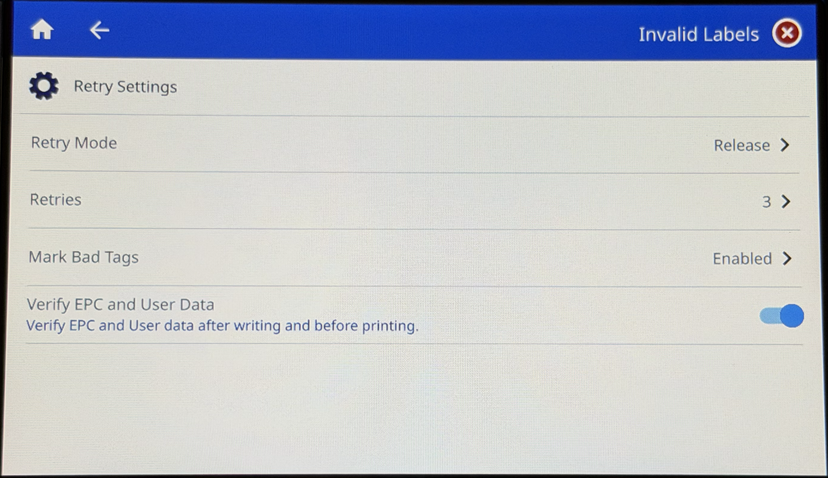
Review the following sections for information on the Retry Settings:
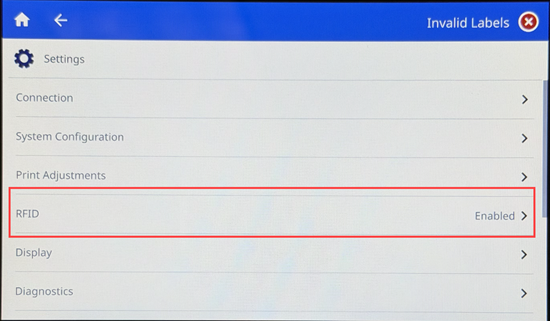
- Tap Settings.

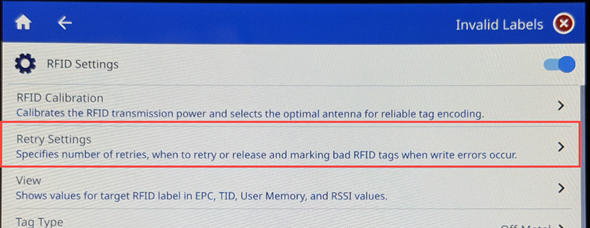
- Tap RFID Settings.
- Tap Retry Settings.
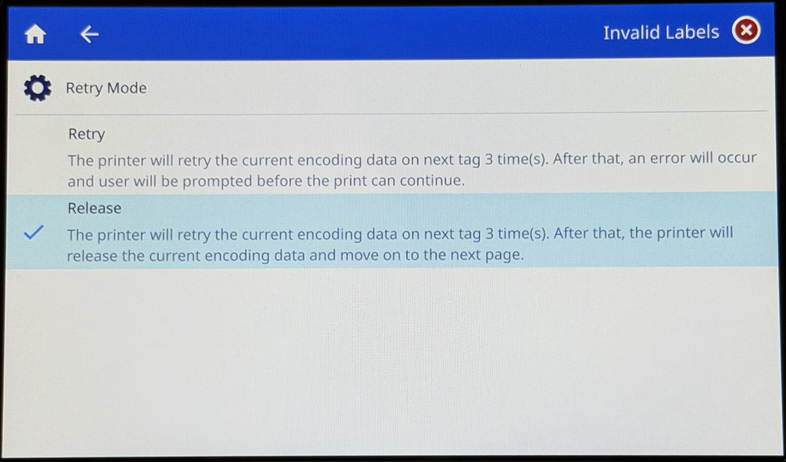
Retry Mode
This option allows the printer to retry or release the tag if the encoding fails. If selecting retry, choose the number of times to retry the encoding under the Retries function. If encoding fails after the set number of retries, the tag will be skipped automatically and encoding will be attempted on the next tag.
- Select Retry Mode.
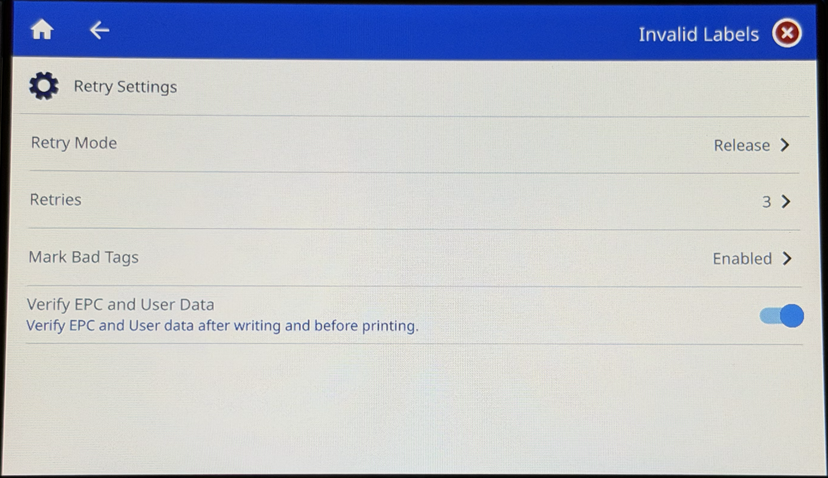
- Select either Retry or Release.
Retries
Set the number of times the encoding will be reattempted.
- Select Retries.
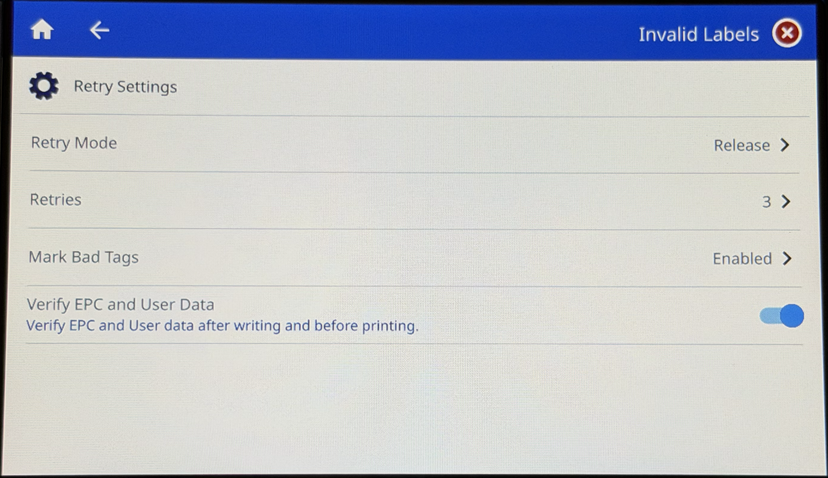
- Use the minus or plus to change the number of retries or press the circle and slide the circle to the left or right.
This is the number of times the encoding will be reattempted.
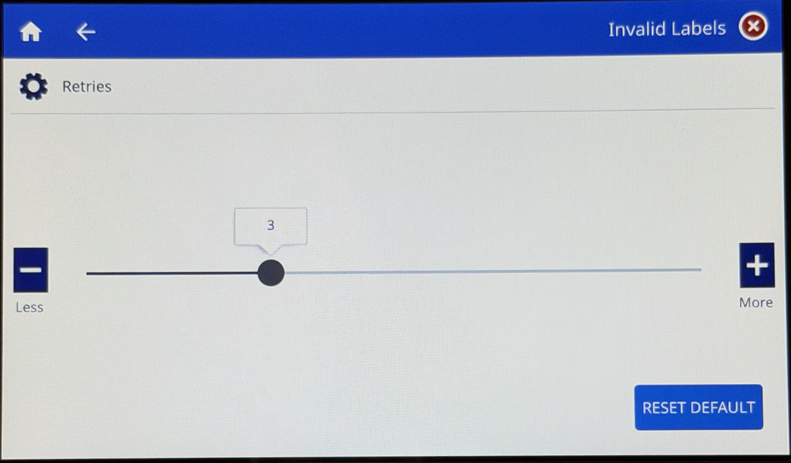
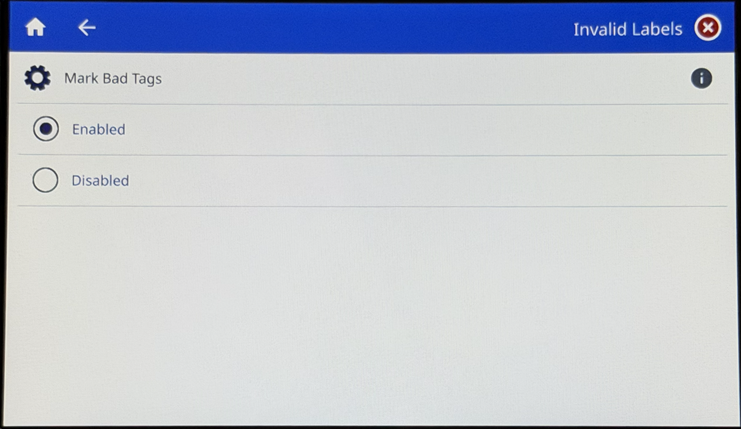
Mark Bad Tags
Tags that have failed to encode correctly will be marked with Void +/. This feature can be disabled, but it is highly recommended that it remain enabled to avoid using bad tags.
- Select Mark Bad Tags.
- Tap the radio button for Enabled or Disabled.
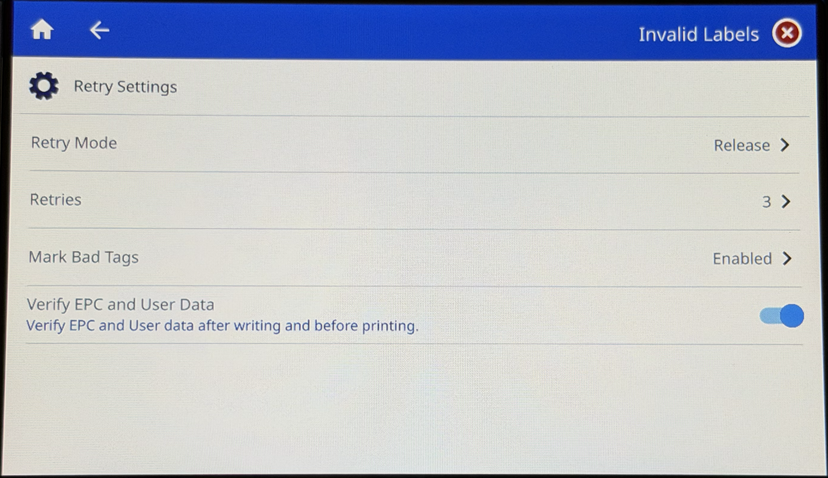
Verify EPC and User Data
By default, this function is enabled. Disabling this function is not recommended because it means that EPC and user data will not be verified before the label is printed.
- Tap the switch to turn on or off the Verify EPC and User Data function.