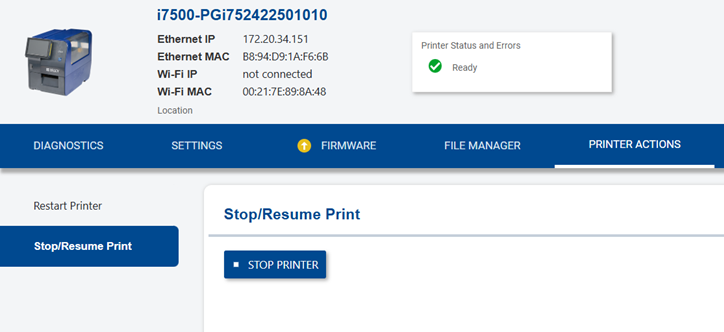
The web interface can be used with the i7500 if the printer is connected with an Ethernet or Wi-Fi connection and if the printer has firmware version 2.0.1287849 or newer. If the printer does not have the firmware specified, upgrade the firmware: i7500 - View and Upgrade the Firmware
- Connect the i7500 printer to Ethernet or Wi-Fi: i7500 - Connect via Ethernet and i7500 - Connect via Wi-Fi.
- Enter the IP address in a web browser.
- If the computer and i7500 printer are connected to the same IP address, the web interface will display. If the page does not come up, confirm the IP address on the printer.
Diagnostics
The Diagnostics tool has information on device status, lifetime info, diagnostics label, about and Privacy Policy.
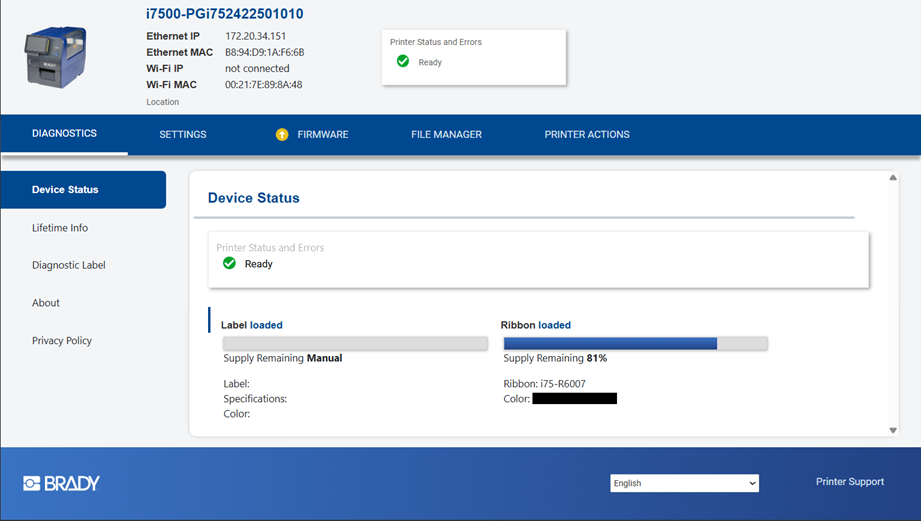
Device Status
- This shows the status of the i7500 printer and any errors.
- Label and Ribbon loaded with the remaining quantity.
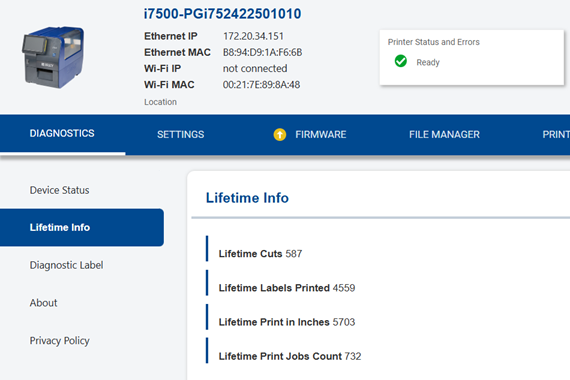
Lifetime Info
- This shows the lifetime cuts, labels printed, print in inches and print jobs count.
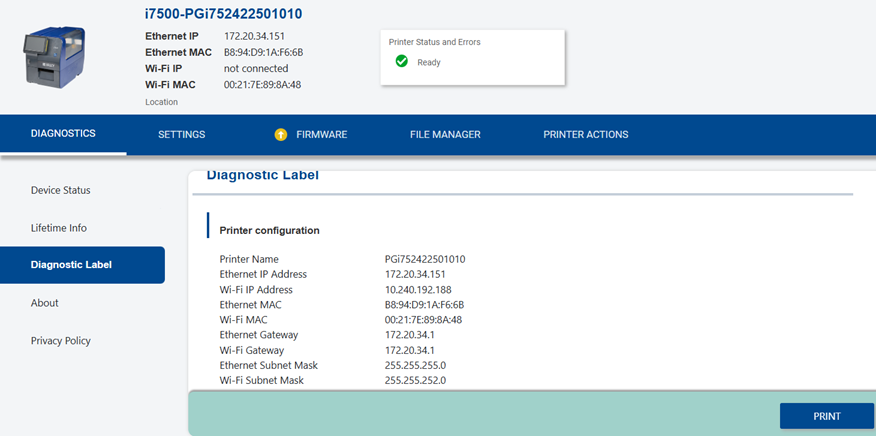
Diagnostic Label
- This displays the printer configuration, including the Ethernet and Wi-Fi information.
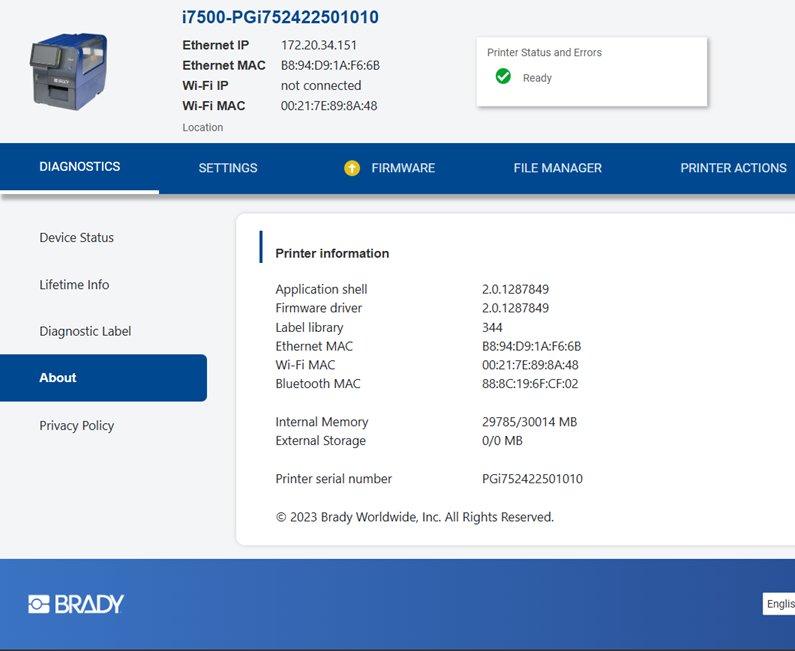
About
- This displays the firmware version, printer label library version, memory, storage and printer serial number.
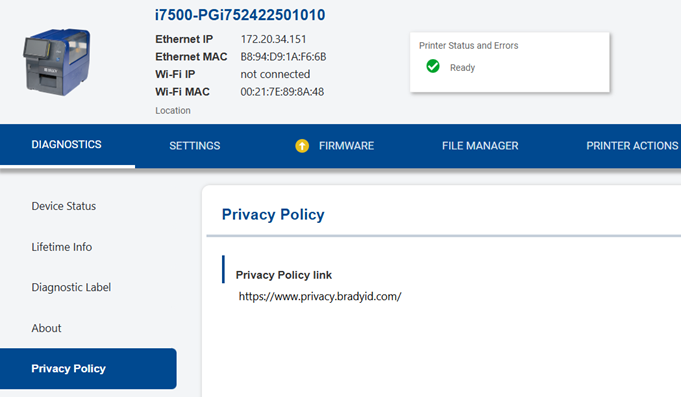
Privacy Policy
- Access the Privacy Policy link on this screen.
Settings
Print Adjustments
- Change the Print Adjustments, Connection information, USB Settings, System Configuration and ZPL Settings.
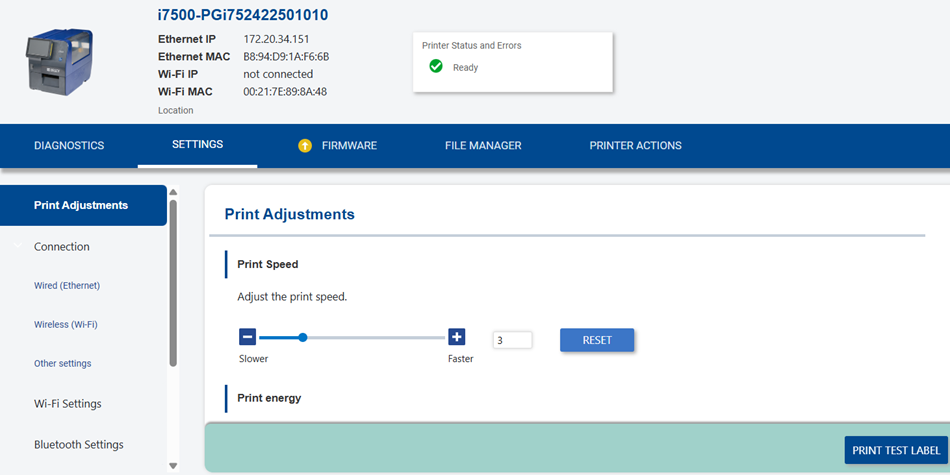
- Print adjustments include the Print Speed, Print Energy, Printhead Pressure, Print position adjustment, Print on Demand and Print Mode. These settings can also be set on the printer directly.
-
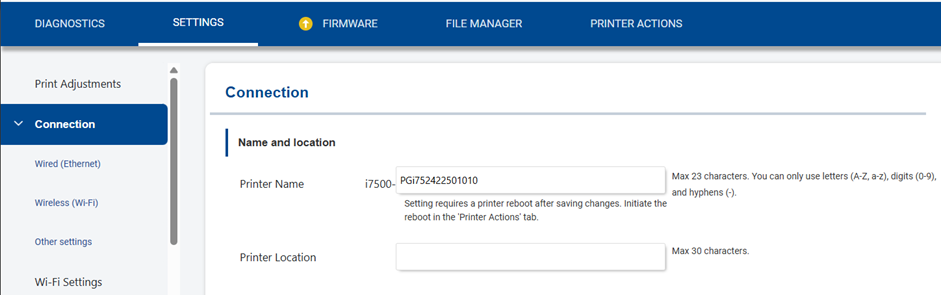
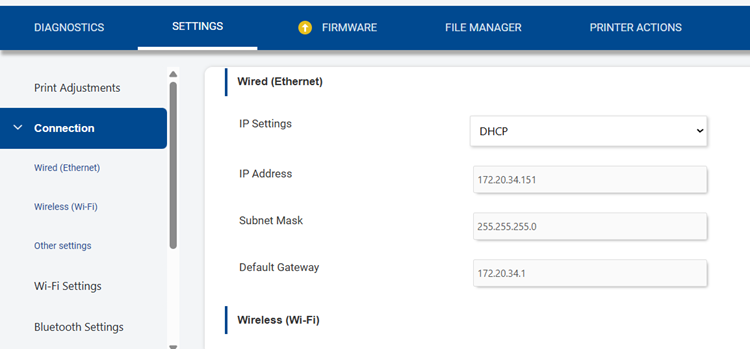
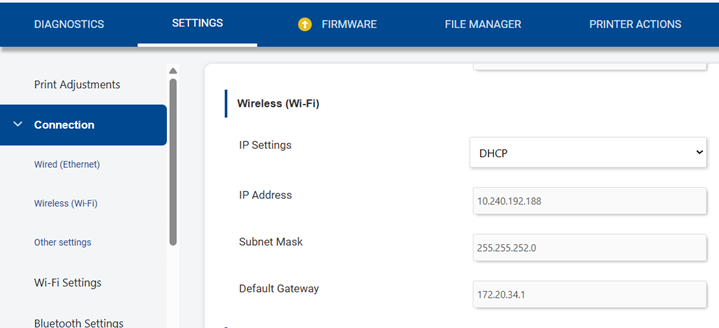
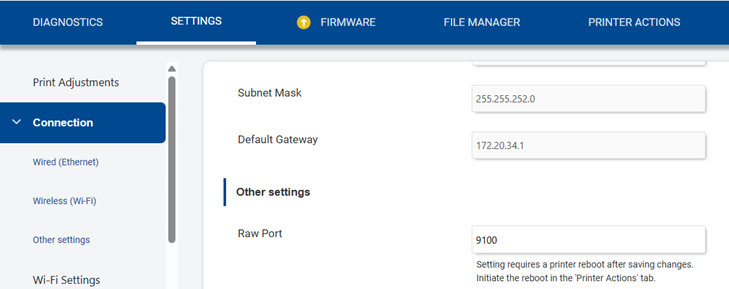
Connection
- Name and location: Printer Name and Printer Location.
- Wi-Fi and Ethernet connection can also be setup on the printer:
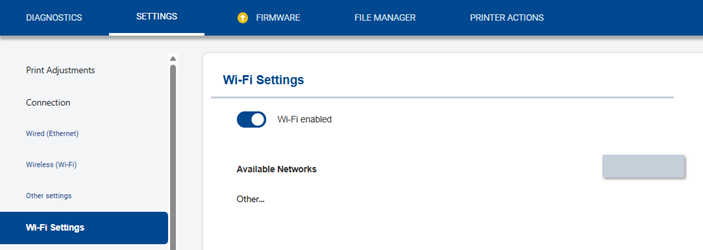
Wi-Fi Settings
- Enable or disable Wi-Fi Settings.
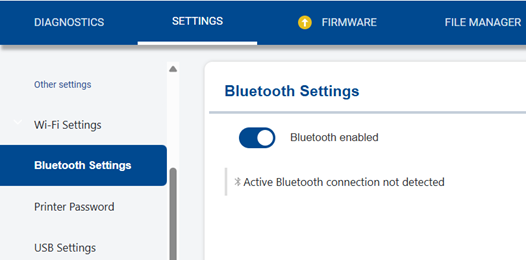
Bluetooth Settings
- Enable or disable Bluetooth on the printer.
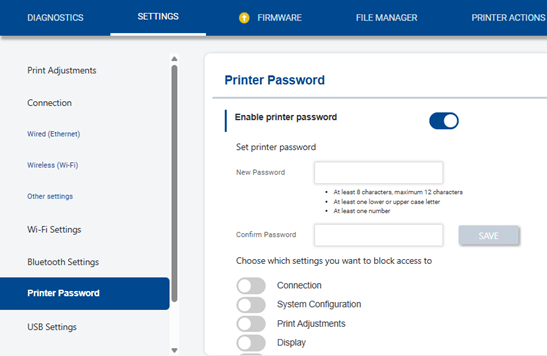
Printer Password
- Enable or disable the printer password.
- Set specific settings to block access to:
- Connection
- System Configuration
- Print Adjustments
- Display
- Diagnostics
- External Hardware
- About
- Maintenance
- Notifications
- ZPL
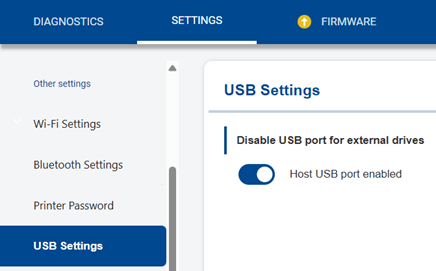
USB Settings
- Disable the USB port for external drives.
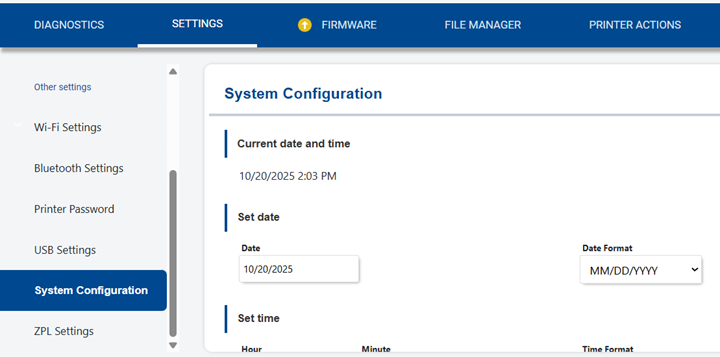
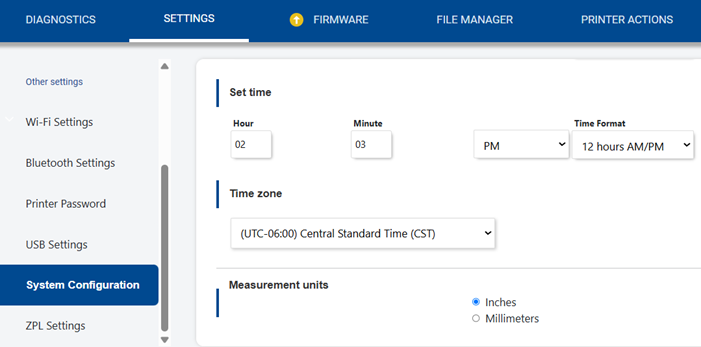
System Configuration
- Displays the current date and time.
- Set the date, time, time zone and measurement units.
ZPL Settings
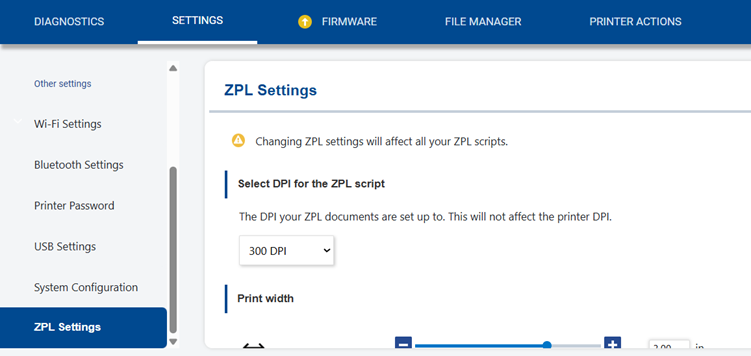
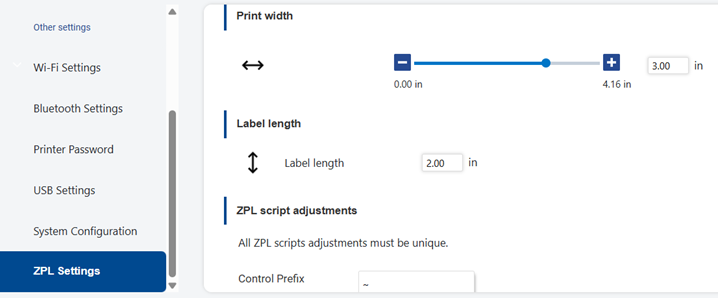
- Change ZPL settings directly in the web interface.
- DPI for ZPL script.
- Print Width
- Print length
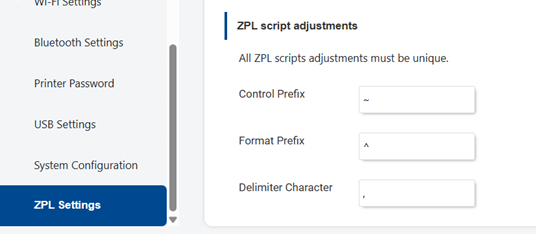
- ZPL script adjustments
- Control Prefix
- Format Prefix
- Delimiter Character
- i7500 - ZPL Scripting
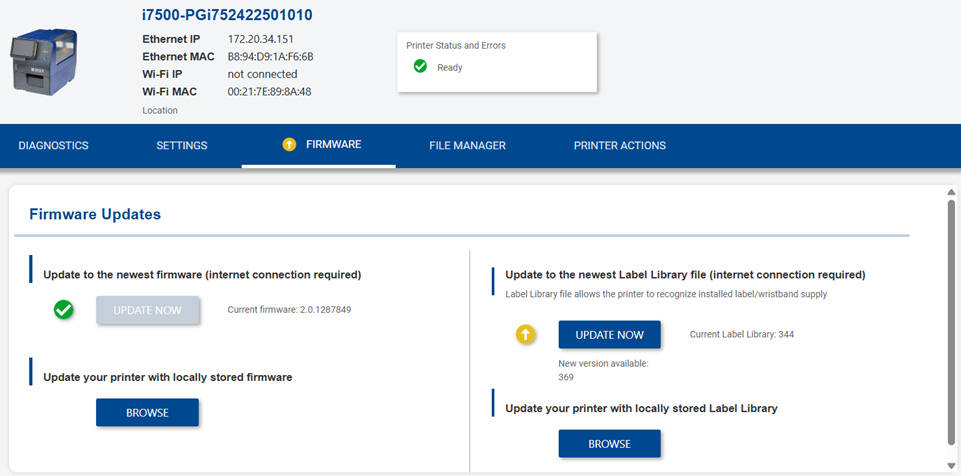
Firmware
File Manager
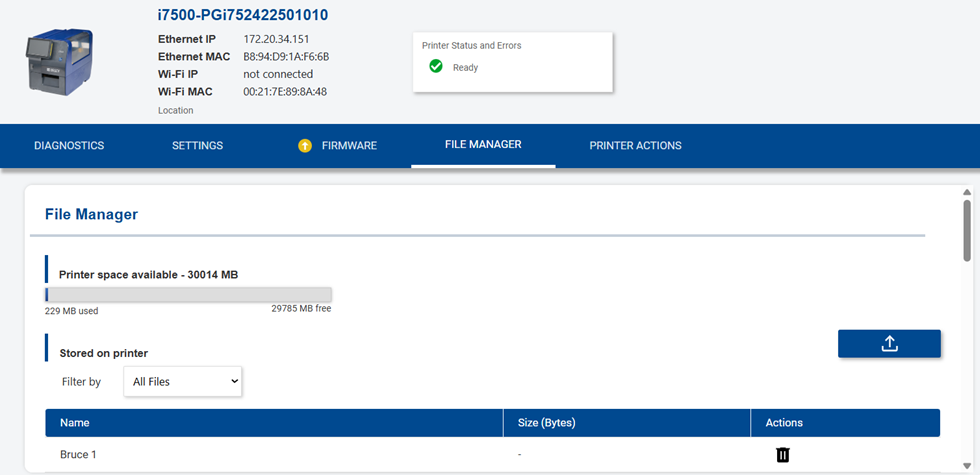
- View the space available on the i7500 printer and the print jobs that are stored on the printer.
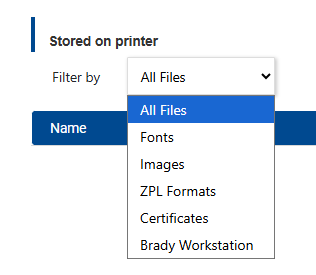
- Filter by Fonts, Images, ZPL Formats, Certificates and Brady Workstation.
Printer Actions
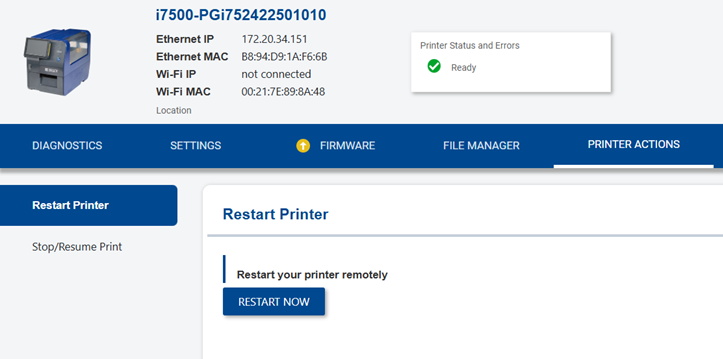
Restart Printer
- Click the Restart Now button to restart the printer remotely.
Stop/Resume Print
- Click the Stop Printer button to stop the labels from printing.