Issue
The labels may not print on demand on the i7500. The following scenario must be met for this to take place:
-
The printer's "Print on Demand" setting must be enabled.
-
The Brady Workstation file must be saved directly on the printer.
-
The print job must be initiated from a label other than the first one.
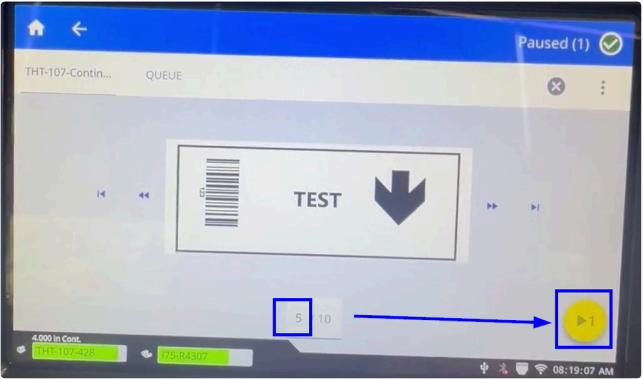
A print job will not experience this issue if it is sent directly to the printer, or if the file is printed from the first label.
Workaround/Troubleshooting
Print directly from the computer or print from label one.


