Issue
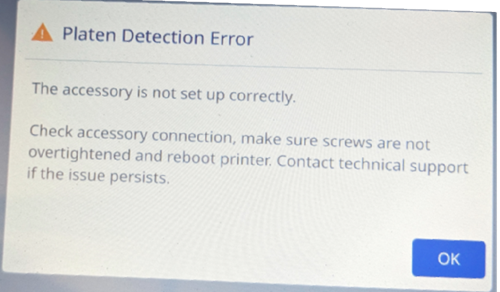
Platen Detection Error appears on the i7500 printer.
Troubleshooting
- Loosen the screws on the platen roller and restart the printer. i7500 - Change the Platen Roller.
- Press OK and bypass the error.
If the issue still persists, contact Global Brady Technical Support Contact Information.


