Issue
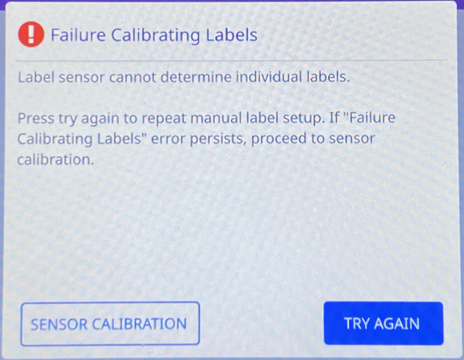
Failure Calibrating Labels displays on the LCD of the i7500. The printer states the Label sensor cannot determine individual labels. Please try again to repeat manual label setup. If "Failure Calibrating Labels" error persists, proceed to sensor calibration.
Troubleshooting
- Press TRY AGAIN and redo the manual label setup: i7500 - Load Labels and Ribbon.
- Press Sensor Calibration and follow the steps on the screen to run the sensor calibration for the i7500 printer: i7500 - Label Sensor Calibration.
If the issue persists, contact Global Brady Technical Support Contact Information and provide the label part number What Is The Label/Ribbon Part Number and Lot Number? and printer serial number i7500 - Serial Number Location.


