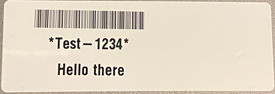
A ZPL file can be sent to the i6100 to print the labels. These instructions include setting up the i6100 using the Web Browser to configure the Ethernet.
- Configure Ethernet to the i6100: i6100 - Setup an Ethernet Connection. Refer to the instructions for Web Browser.
The computer and the printer must have the same IP address.
- Enter the IP Address into a browser.
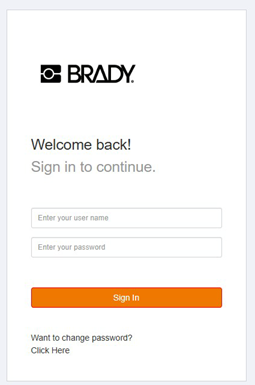
- Sign in using admin for the user name and password for the password.
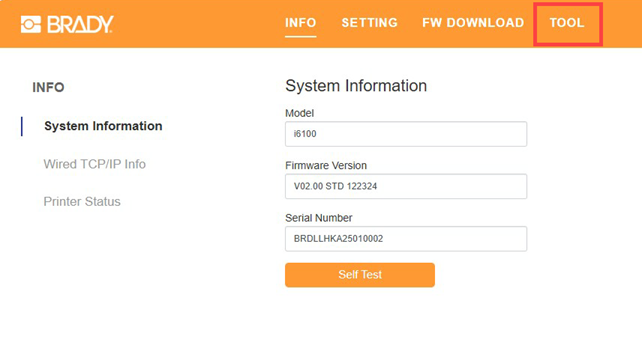
- Select the Tool tab.
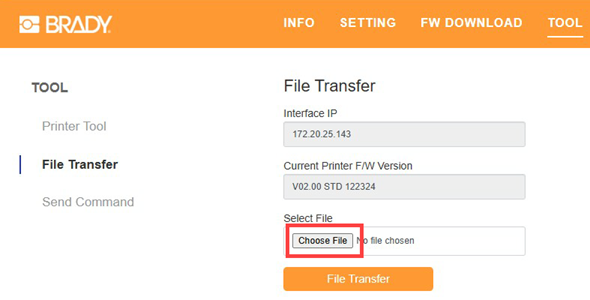
- Select File Transfer.
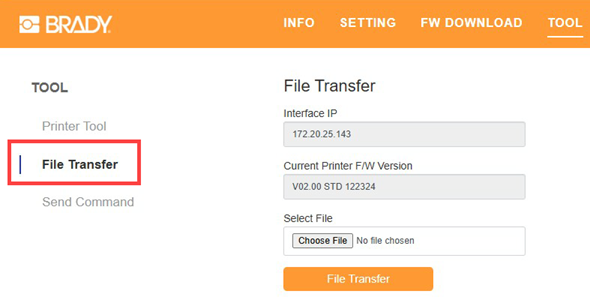
- Click Choose File and search for the ZPL file.
- Click File Transfer to send the file to the printer.
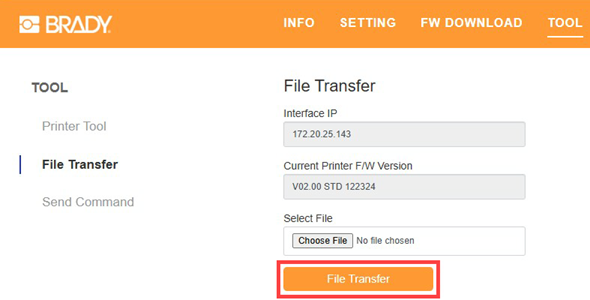
- The label file is sent to the printer and the label prints.
Example of a test label.