Issue
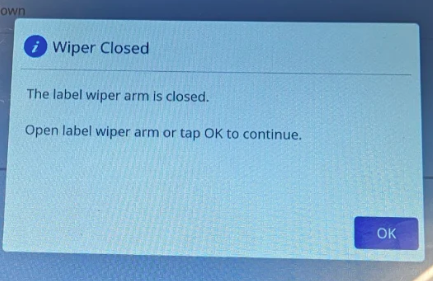
The printer displays "supply wiper arm closed".
Cause
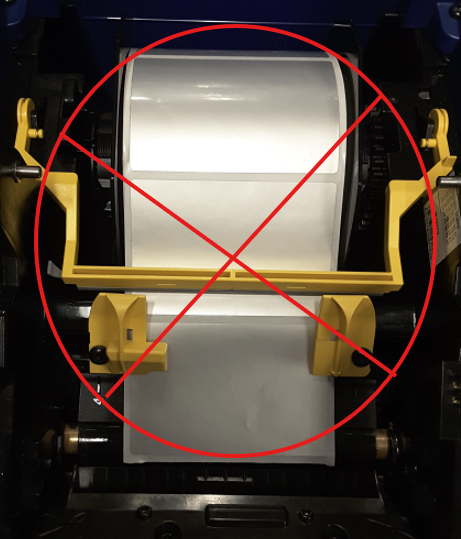
The yellow wiper arm is flipped over the top of the die cut or precut labels. The wiper arm should not be engaged when using die cut materials. Die Cut vs Continuous Label Materials
Die Cut / Precut Materials:
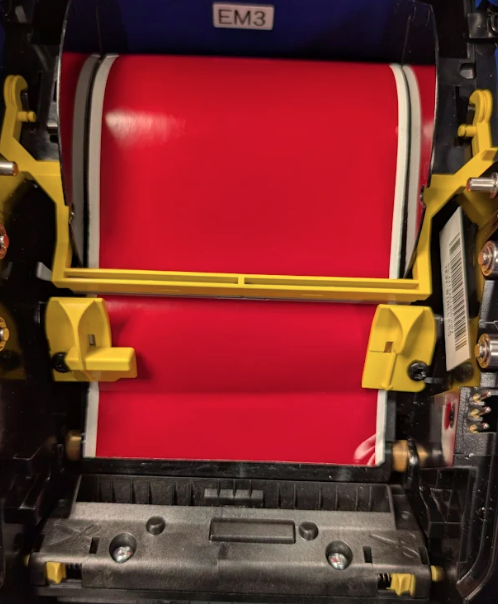
Continuous:
Resolution
- Move the wiper arm to the up position.
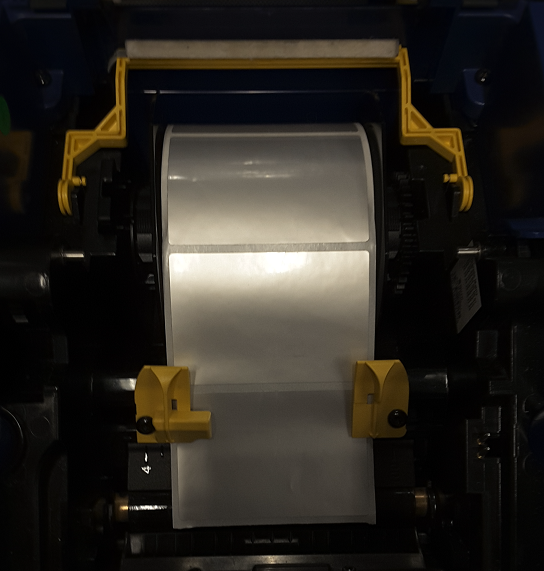
- Install a roll of labels with the continuous label type.
Additional Troubleshooting
If you are using continuous media, or the wiper arm is not closed using die-cut media, then try power cycling the printer. You can also try engaging and disengaging the wiper arm. If this does not clear the error, then the wiper arm sensor my have failed. Contact Brady Technical Support for your region for further troubleshooting: Global Brady Technical Support Contact Information


