Issue
"Out of Ribbon" displays on the printer.
Cause
The ribbon has run out, there is excessive slack or it is broken.
Troubleshooting
- If the ribbon is used up or broken, replace the ribbon with one that is compatible with the installed label supply.
- If there is slack in the ribbon, tighten the ribbon by rotating the top spool downward.
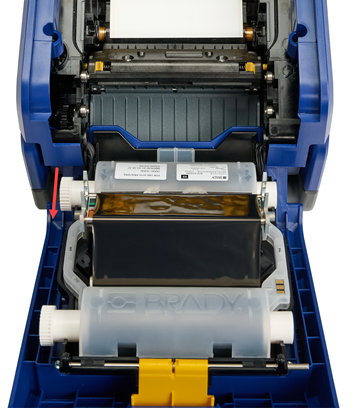
- If the ribbon it torn, piece it back together How to Repair a Torn or Broken Ribbon.


