Body |
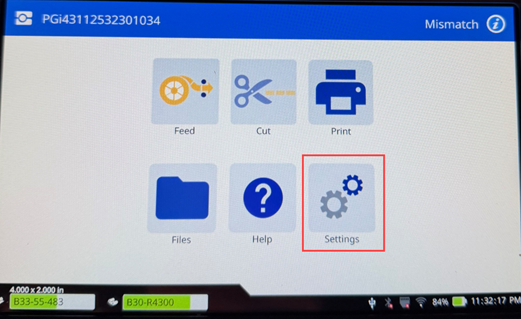
- Tap Settings.
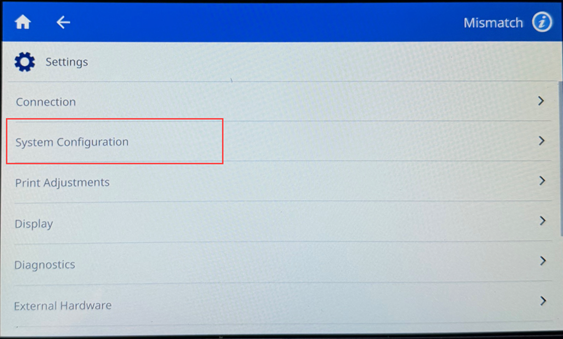
- Tap System Configuration.
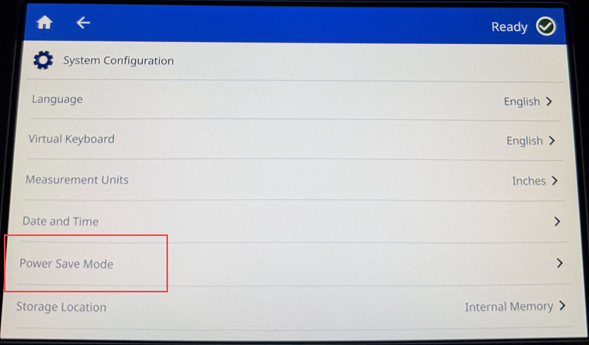
- Tap Power Save Mode.
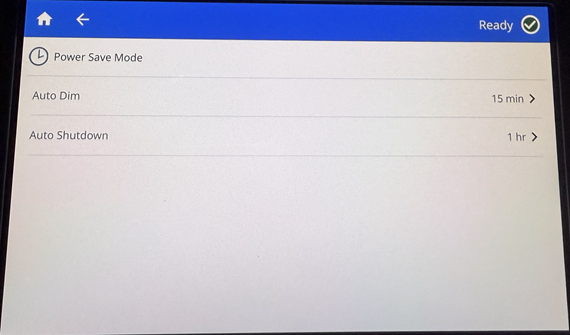
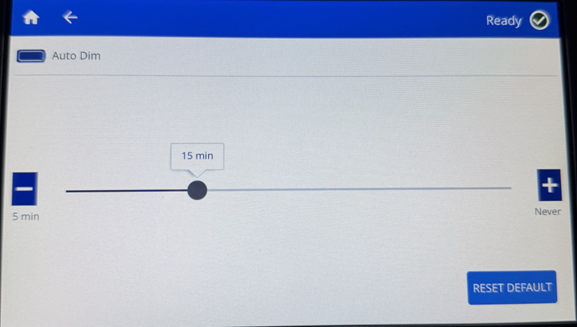
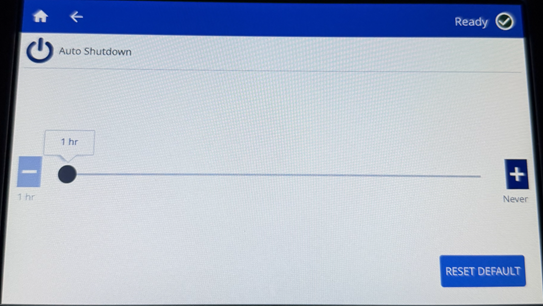
- Choose Auto Dim to dim the display and put the printing in low power consumption or Auto Shutdown, to power off the printer after a certain amount of inactive time.
- Slide the time indicator dot left (decrease) or right (increase) for the amount of inactive time or press the minus/plus icons.
- Tap the home icon to return to the home screen.
- To wake the printer, touch the screen, tap the power button, or send a print job.
|
|
|---|

