Note: The printer should only be mounted on a horizontal surface.
- Use isopropyl alcohol to clean the surface where the bracket will be mounted.
- Allow the area to fully dry.
- Remove the strip over the adhesive on the back of the bracket and mount. Press onto the surface.
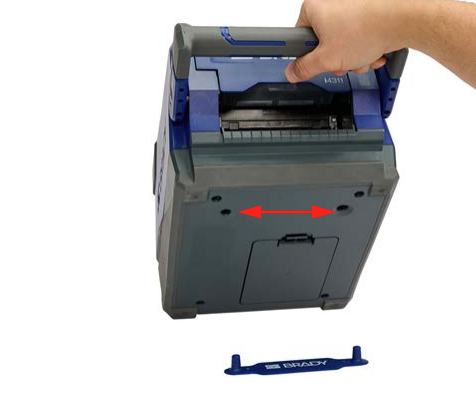
For a more secure installation, use #4 or M3 (metric) flat head screws with an 82° head angle and then lower the printer on to the bracket pegs.
Related Information


