USB Setup
Insert the USB cable of the scanner into one of the USB ports on the back of the printer.
Bluetooth Setup
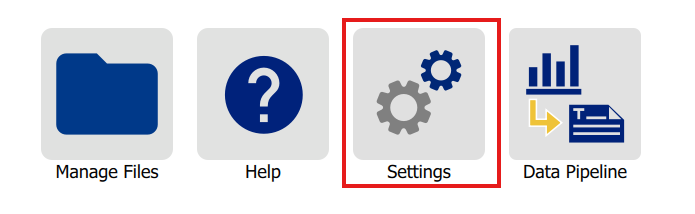
- On the home screen of the i3311, tap Settings.
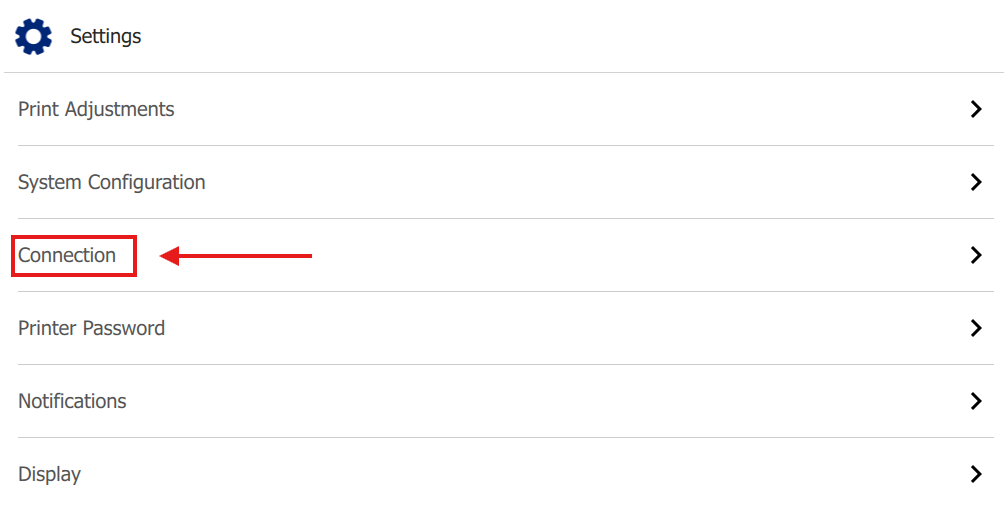
- Tap Connection.
- If Bluetooth shows OFF, Tap Bluetooth.
- Tap the switch at the top to enable Bluetooth.
Note: The switch will turn blue to show the setting is enabled.

- Go back to Connection.
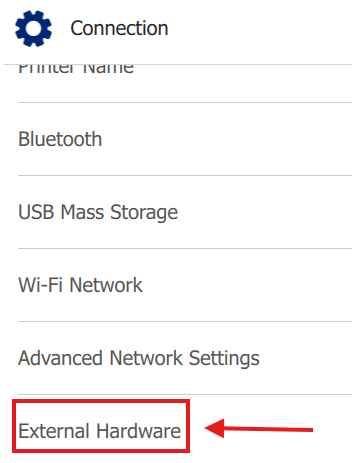
- Tap External Hardware.
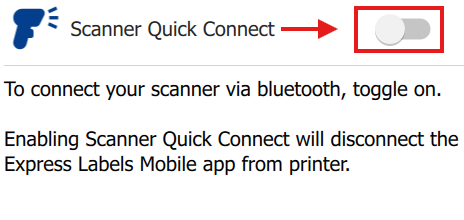
- Tap Scanner Quick Connect.
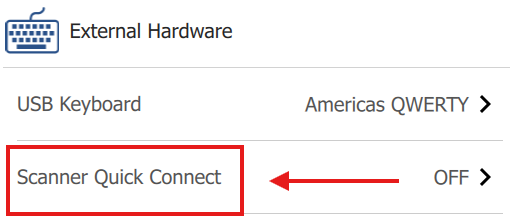
- Tap the switch at the top to set to ON.
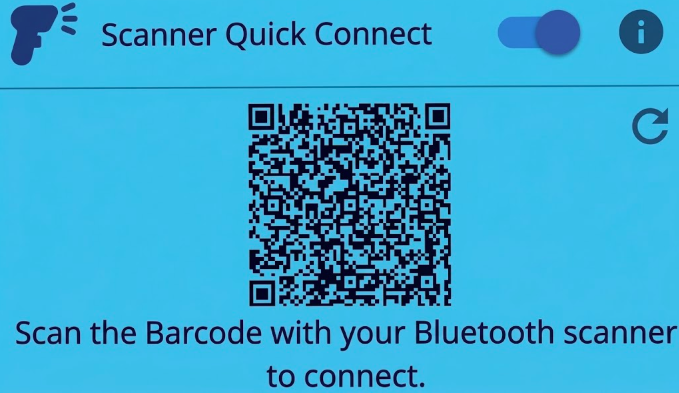
- Scan the QR code on the printer's LCD with the Bluetooth scanner.
- Return to the home screen.
- A blue scanner icon will appear on the bottom of the printer's LCD screen to indicate a scanner is connected.



