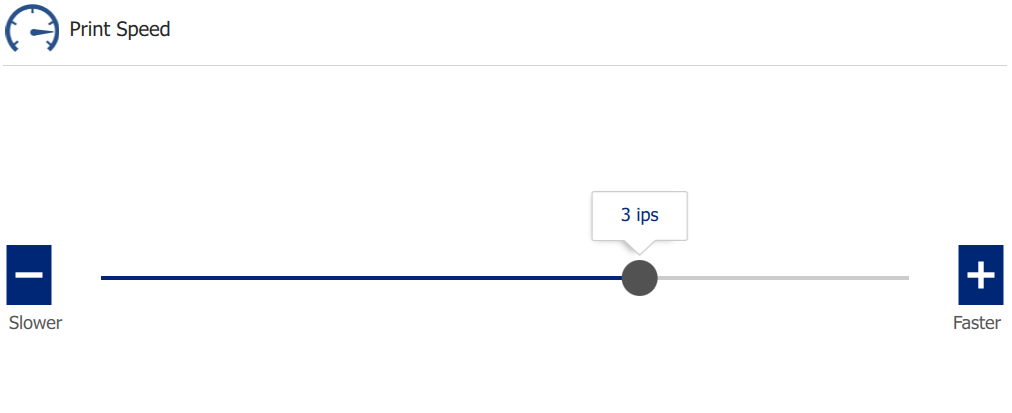
How to Adjust Print Speed
- Navigate to the home screen of the printer.
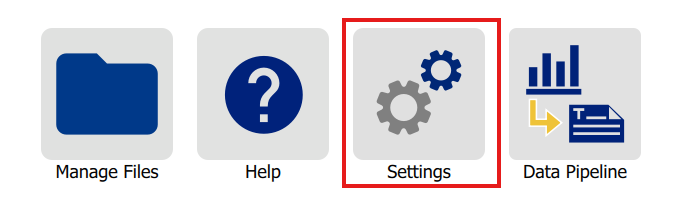
- Tap Settings.
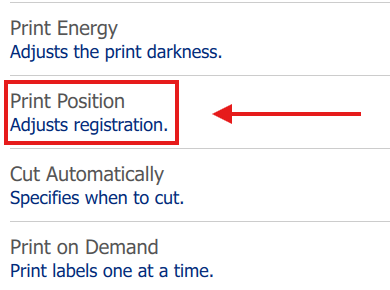
- Tap Print Adjustments.
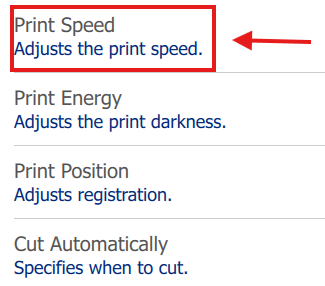
- Tap Print Speed.
- Adjust the slider from 1 IPS (Inches per second) to 4 IPS. 3 IPS is the default setting.
Note: The i3311 is capable of remembering changes to the print speed setting for individual label roll part numbers