Adjusting the Print Heat Settings
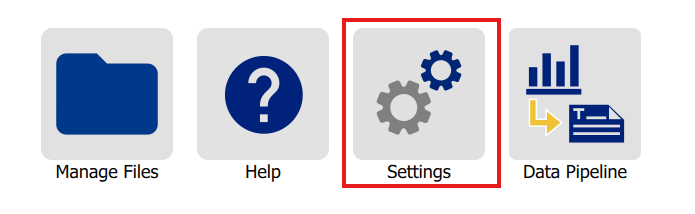
- Navigate to the home screen of the printer.
- Tap Settings.
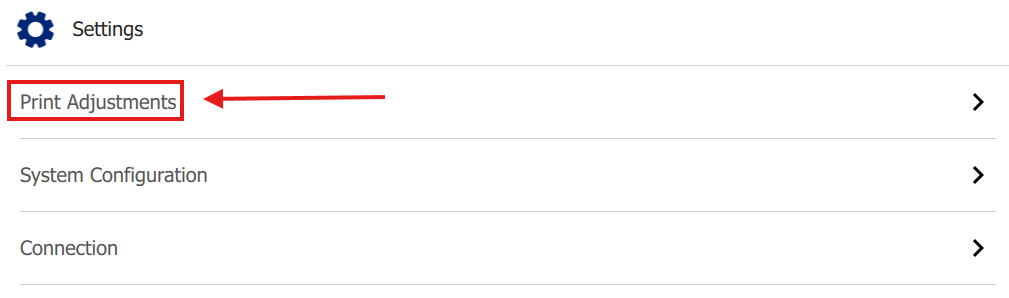
- Tap Print Adjustments.
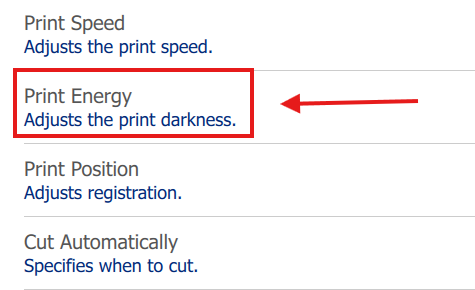
- Tap Print Energy.
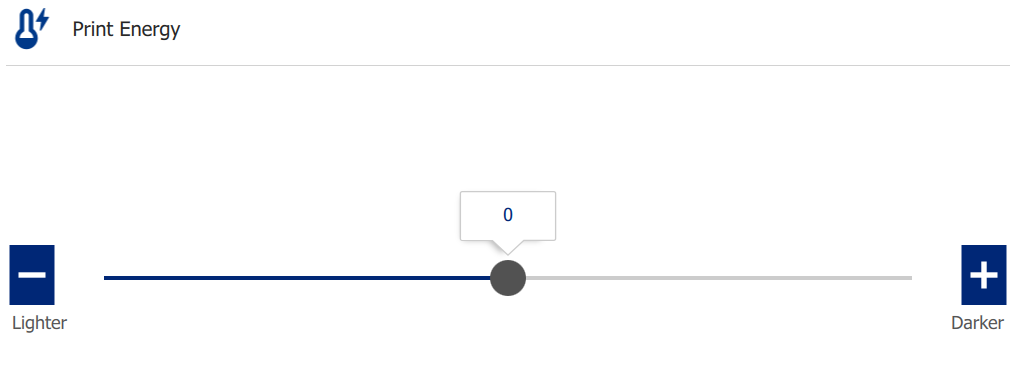
- Adjust the print heat level by moving the slider or tapping the minus and plus buttons.
Note: The i3311 is capable of remembering changes to the print heat settings for individual label roll part numbers.