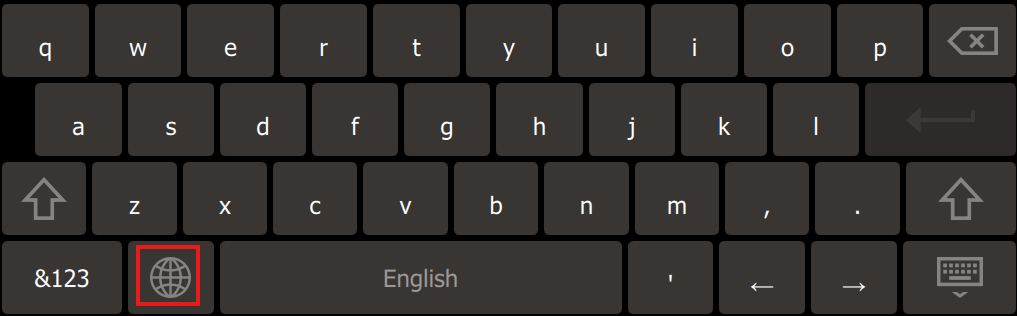
Adjusting The Keyboard Settings
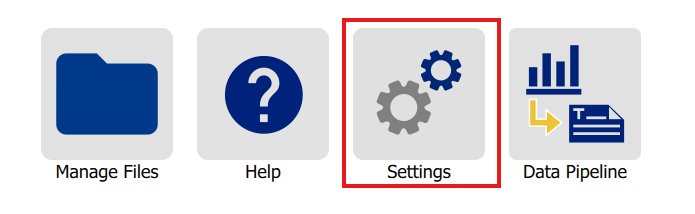
- Navigate to the home screen of the i3311.
- Tap Settings.
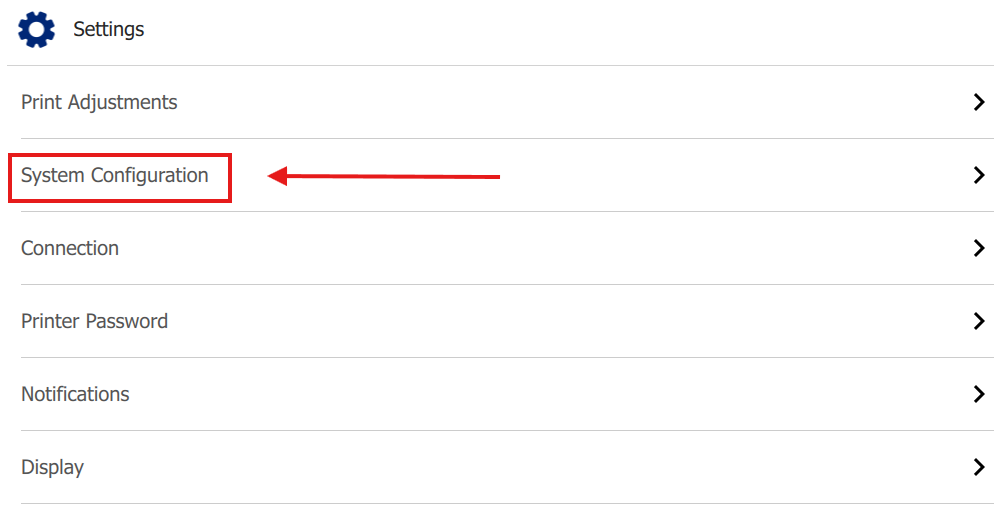
- Tap System Configuration.
- Tap Virtual Keyboard.
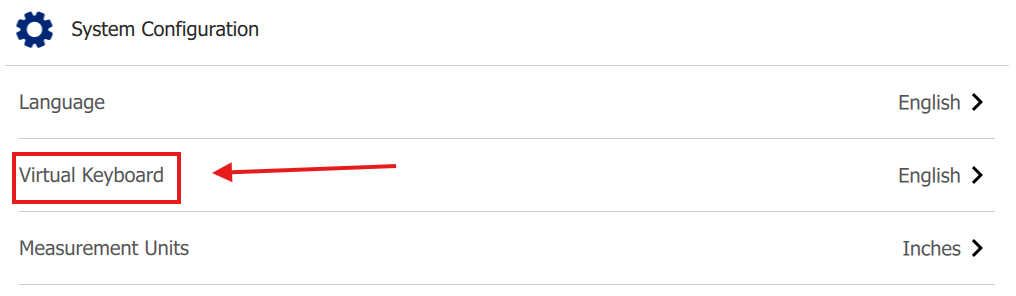
- Check each language you want to enable. More than one language can be selected.
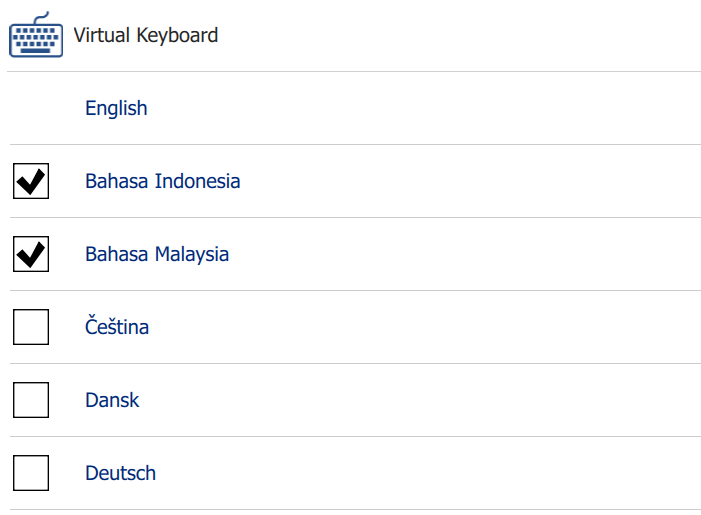
- When you have the virtual keyboard visible on the LCD screen, you can toggle between the different languages by selecting the globe button next to the space bar.