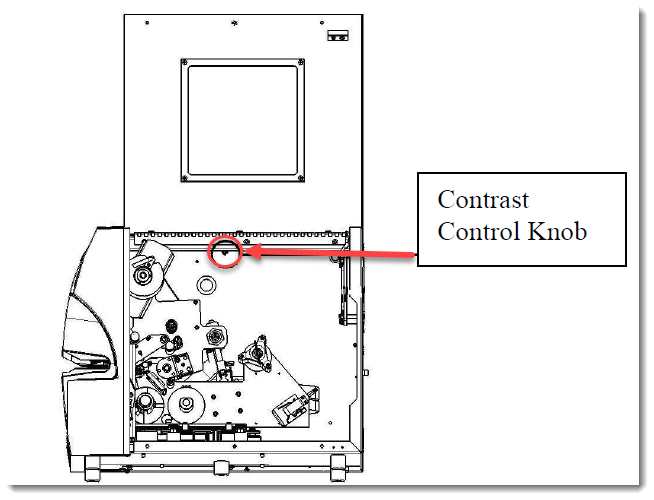
The LCD display can be adjusted to the desired brightness by turning the contrast control knob. To locate the contrast control knob open the side cover. The contrast control knob is located at the top of the fire wall and is about 10" from the back of the machine. The knob is silver in color and has a slot in the end of it.
To make the LCD screen darker turn the dial towards the front of the machine. To make the LCD screen lighter turn the dial towards the rear of the machine.