Download the M511 Driver
For details regarding the driver updates, please see the attached document.
Important: DO NOT plug in the USB cord until you are prompted to do so. The M511 can only be set up in the driver using the USB cord. The M511 can only connect to the computer via the USB cord.
- Download the latest driver on BradyID.
- Right-click the zipper folder and Extract All.
- Select the location to extract the folder and select Extract.
- Right-click the M511_Printer_Driver file and select Run as Administrator.
- Select LET'S GET STARTED.
- Click Next.
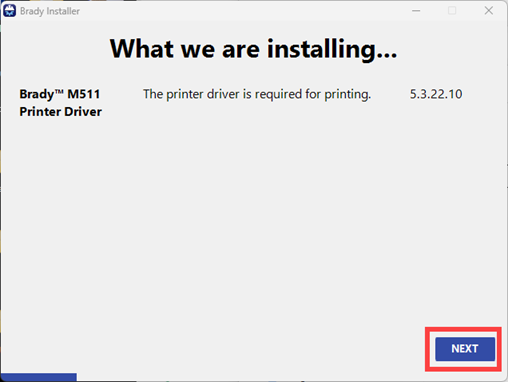
- Select Next once the screen says M511 install complete.
- Connect your printer to your computer and select Next.
- Select OK when the Connected message displays. If you do not receive the green checkmark, try to connect again.
- Select the blue hyperlink if you have not registered the printer. Select Next.
- Select the checkbox for "I agree to terms of this agreement" and select Yes, Capture data.
- Select Close on the Installation Complete page.
Adjust the Printing Properties as needed:
Related information


