When using a Brady printer with Brady Workstation, continuous label repeat length is configured in the software.
To set the label length in Brady Workstation - Custom Designer
- Create a new label or template file.
- Select Document.
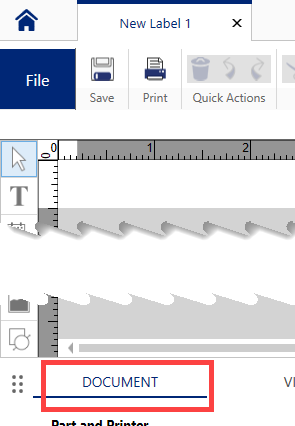
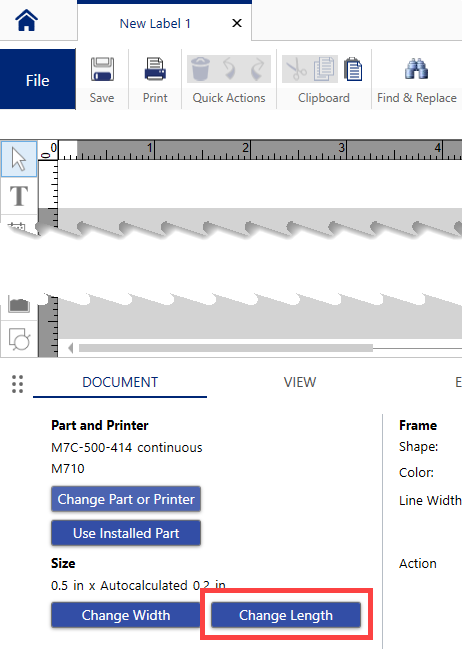
- Click the Change Length button.
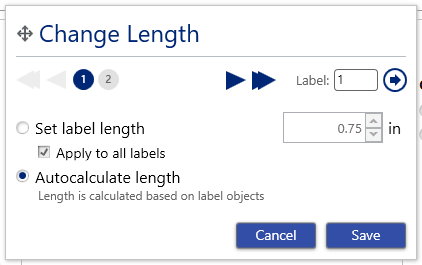
- Choose the Set length radio button and specify the length of the label.
With the Brady Workstation 4.29.0.5 release, the settings can be set for each label or all labels.
Click the checkbox to apply it to all labels or click each label, click the radio button for Set label length and set the length.
- Click Save.
The label canvas will update to show the new label length. Note that some space may exist to account for label margins and printer tolerances when feeding and backfeeding label material.
Related information


