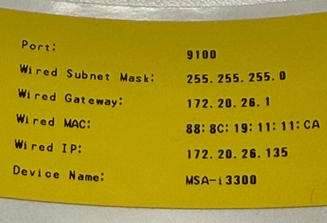
A diagnostics label can be printed to verify the Brady Script Emulator for ZPL is connected to the printer. The label contains the device's IP address which you can use to connect to the device from another computer. The information on the diagnostics label may also be useful if you need help from your IT department.
- Open the embedded web server by entering the IP address in a browser.
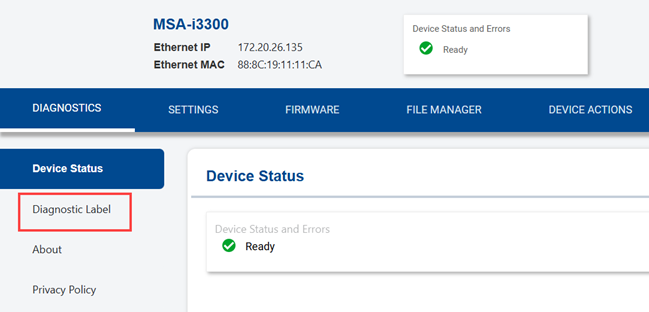
- Click the Diagnostics tab.
- Click Diagnostic Label.
- Labels must be loaded in the connected printer and the printer must be turned on.
It is recommended to use 1 inch labels or larger.
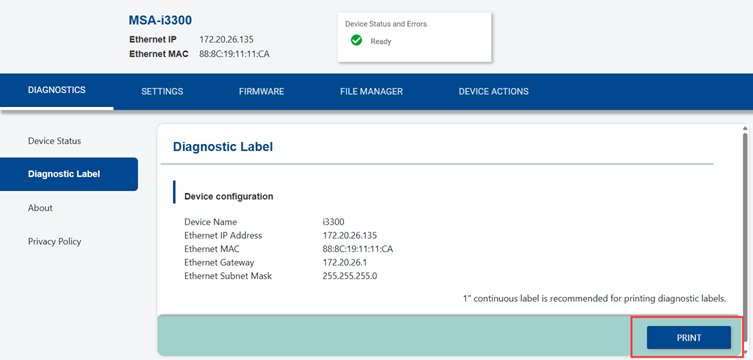
- Click Print.
An example of the diagnostics label.