Issue
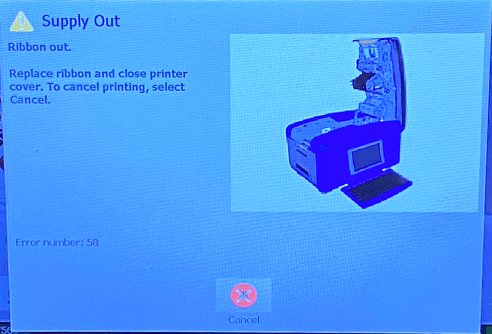
The Ribbon is out. At the end of the ribbon, there is a purple trailer that the sensor detects while actively printing.
Troubleshooting
- Replace the ribbon, close printer cover and resume or print the next print job. If the error persists, try replacing the ribbon to determine if the ribbon is defective.
- Power cycle the printer.
- Upgrade the firmware:
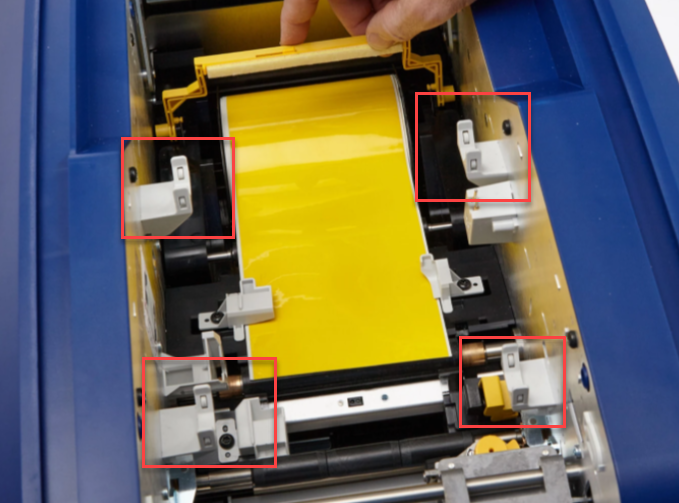
This error can also occur when the ribbon guides have become damaged. Contact Brady Technical Support for your region to schedule a repair:
Related information


