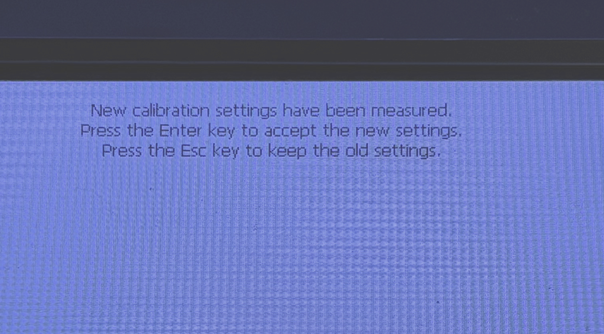
If you have to press slightly away from menu options or objects to select them, the BBP31, BBP85, S3100 and S3700 touch screens should be calibrated. Only printers with a keyboard can be calibrated following these instructions.
- Use the stylus (blue plastic pointer) that comes with the printer - it slides out of the right hand corner of the keyboard.
- Press Control + T on the keyboard.
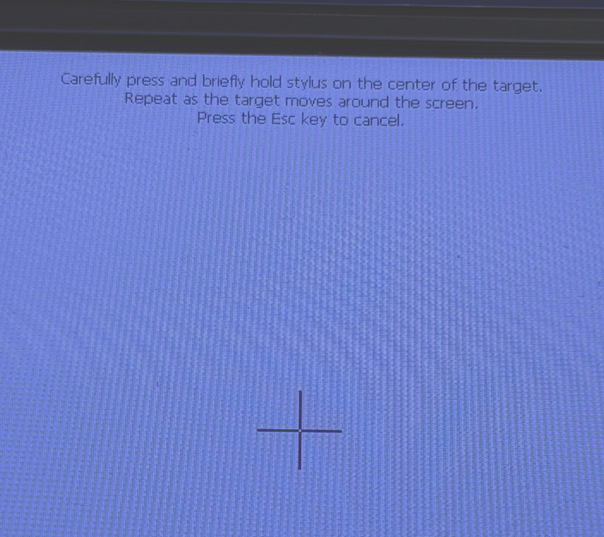
- Follow the instructions on the screen - pressing and holding (for a second or two) the stylus on the center of the plus symbol (+) that appears on the screen, each time it appears.
- Upon completion it will ask you to press Enter to Save the Changes or press Escape to use Old Settings. Press Enter.