Issue
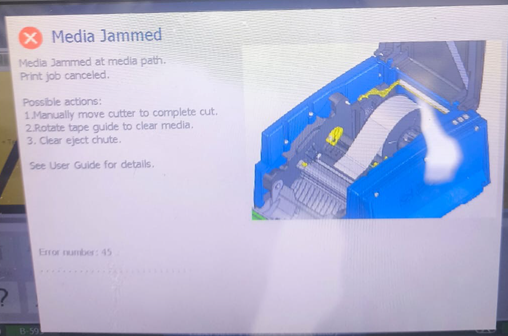
"Media Jammed at media path. Print job canceled" displays on the printer.
Troubleshooting
- Clean the printer:
- Verify the labels are loaded correctly:
- Test a different roll of labels. If you have another type available, load it into the printer to see if the issue is specific to the original labels.
If the issue still persists, contact Global Brady Technical Support Contact Information and provide the lot number and part number of the materials What Is The Label/Ribbon Part Number and Lot Number? and the serial number of the printer How to Find Your Brady Printer Serial Number.


